Display Screen
Rev A 15 BBP
®
35/37 User’s Manual
Data Fields
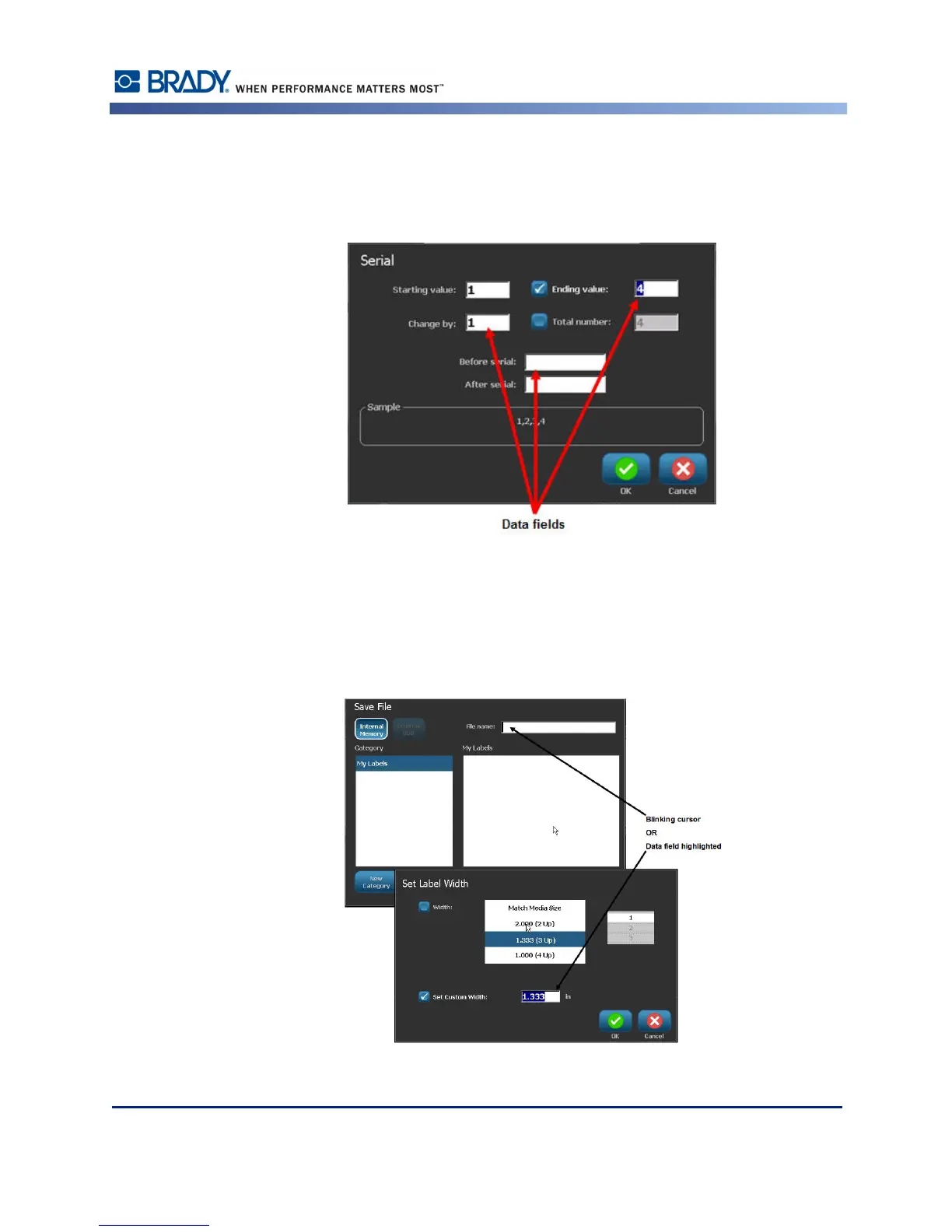
For some menu items, there may be data fields requesting additional information.
To enter the information:
1. Touch the desired option.
If a data field is associated with the option, a blinking cursor displays in the field.
2. At the point of the cursor, enter data using the keyboard.
Figure 1 • Data input fields



 To Next Page