File Management
Rev A 81 BBP
®
35/37 User’s Manual
File Management
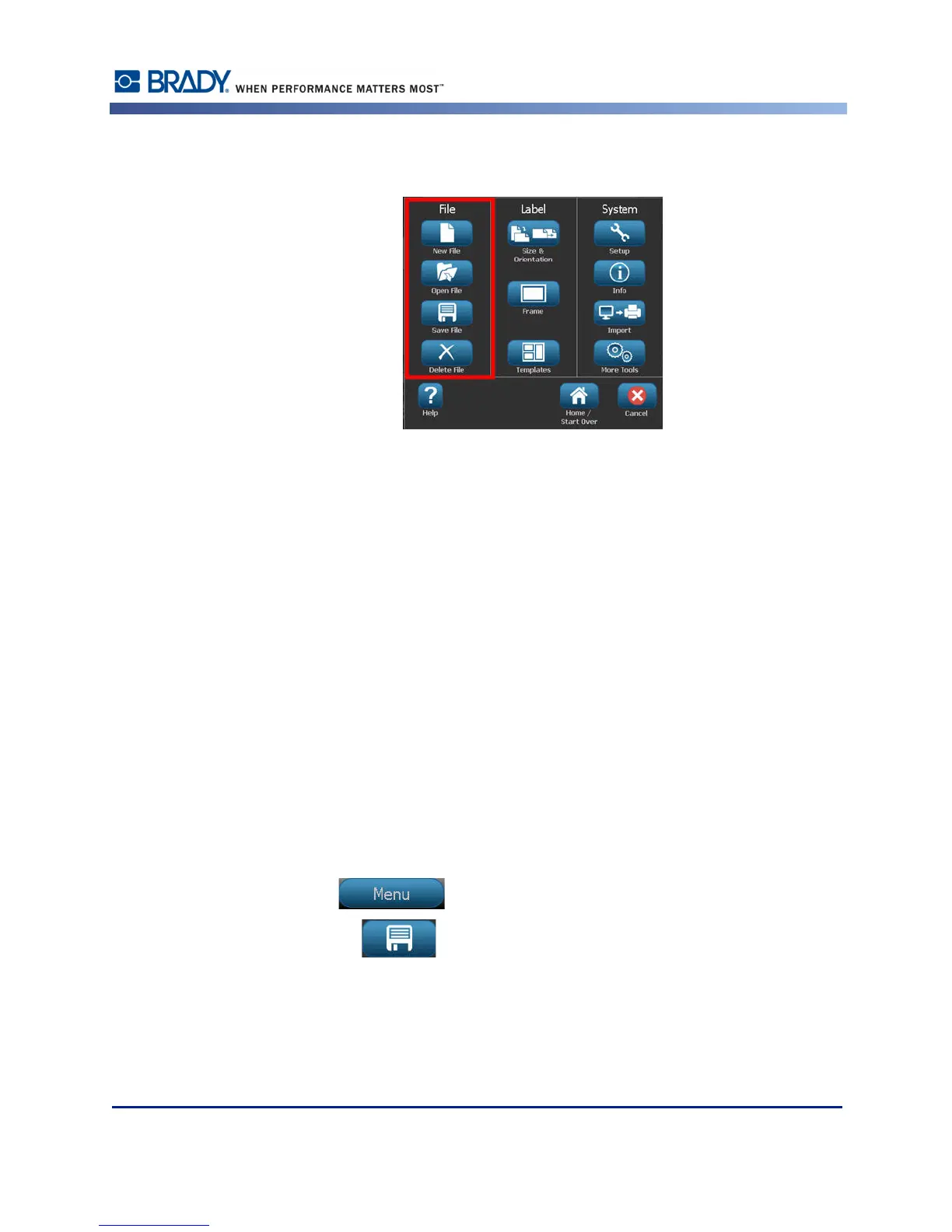
Figure 10 • File menu options
A label can be saved as a file, to be opened and reused at a later date.
File Naming Standards
To create a file on the BBP
®
35/37 printer, the file must be given a name. Names can be any
length and consist of letters, numbers, and spaces.
When creating files, remember this rule: You cannot have two files with the same name, in the
same storage area (category). If you do, the most recent file with the name overwrites the
previous file with that name. A one-character difference in the name creates a different file and
will not overwrite a previous file.
Save
You can save a file internally on the BBP
®
35/37 printer or on an external device (such as a
thumb drive). The saved file retains the label data, data attributes, and alignment parameters.
This file is available for reuse whenever needed.
To save labels as a file:
1. Touch Menu .
2. Touch Save File .



 To Next Page