Getting Started
Rev A 35 BBP
®
35/37 User’s Manual
Sizing Text (Autosize)
Font Size
Font size can be applied on a single character, a word, or a line of text. If the size is changed
before the data is entered, all the data in the current and subsequent lines, takes on the new font
size until font size is changed again.
Autosize
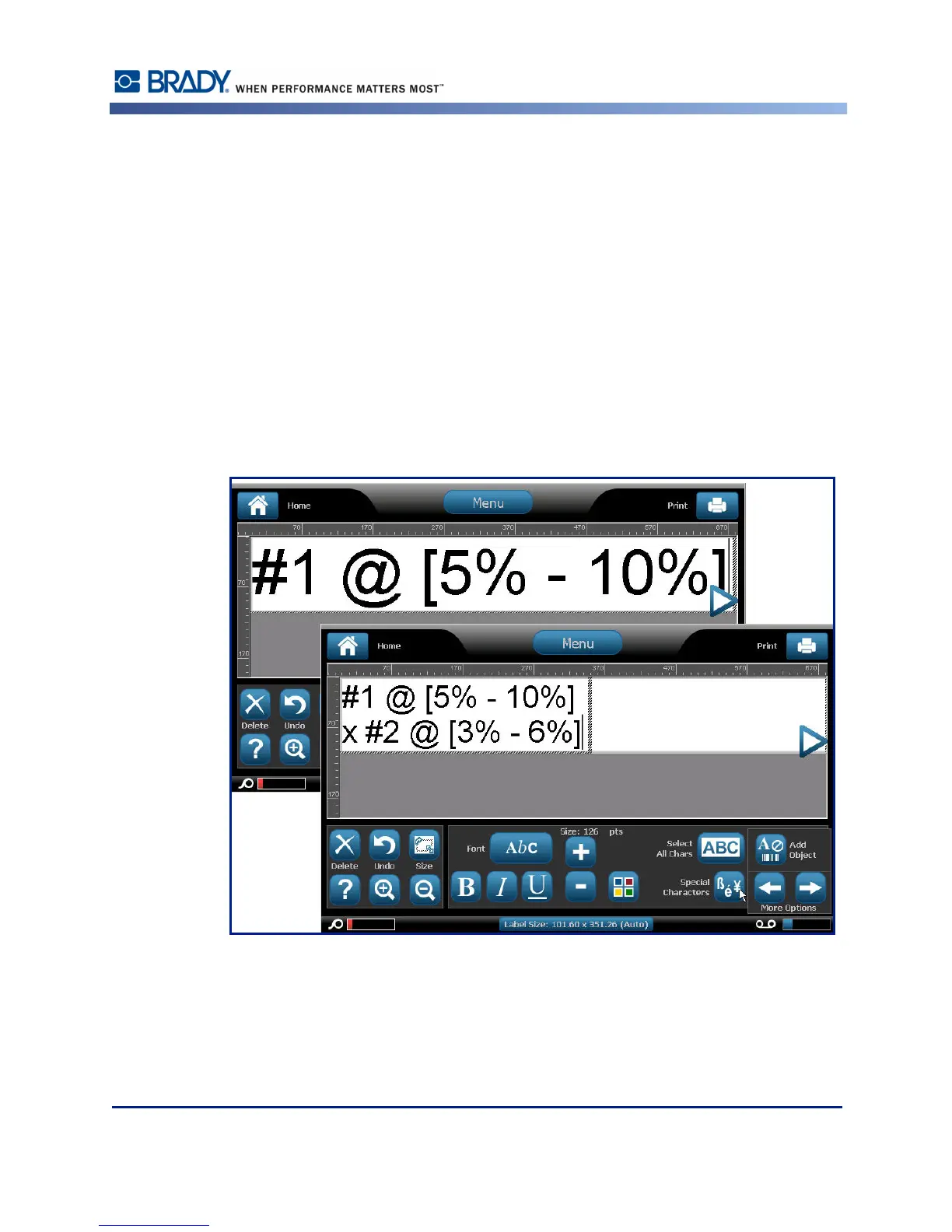
The amount of text a label can hold depends on the type of label media being used and the
label length setting. The BBP35/37 printer automatically adjusts the size of the font as data is
entered. When text reaches the label boundaries, it scales downward until you press [ENTER]
or the minimum font size is reached. When working with autosize and multiple lines of text,
all lines on a label maintain the same text size.
Figure 3 • Autosizing with two lines of text



 To Next Page