Formatting a Label
BBP
®
35/37 User’s Manual 74 Rev A
Cut-Out Shapes
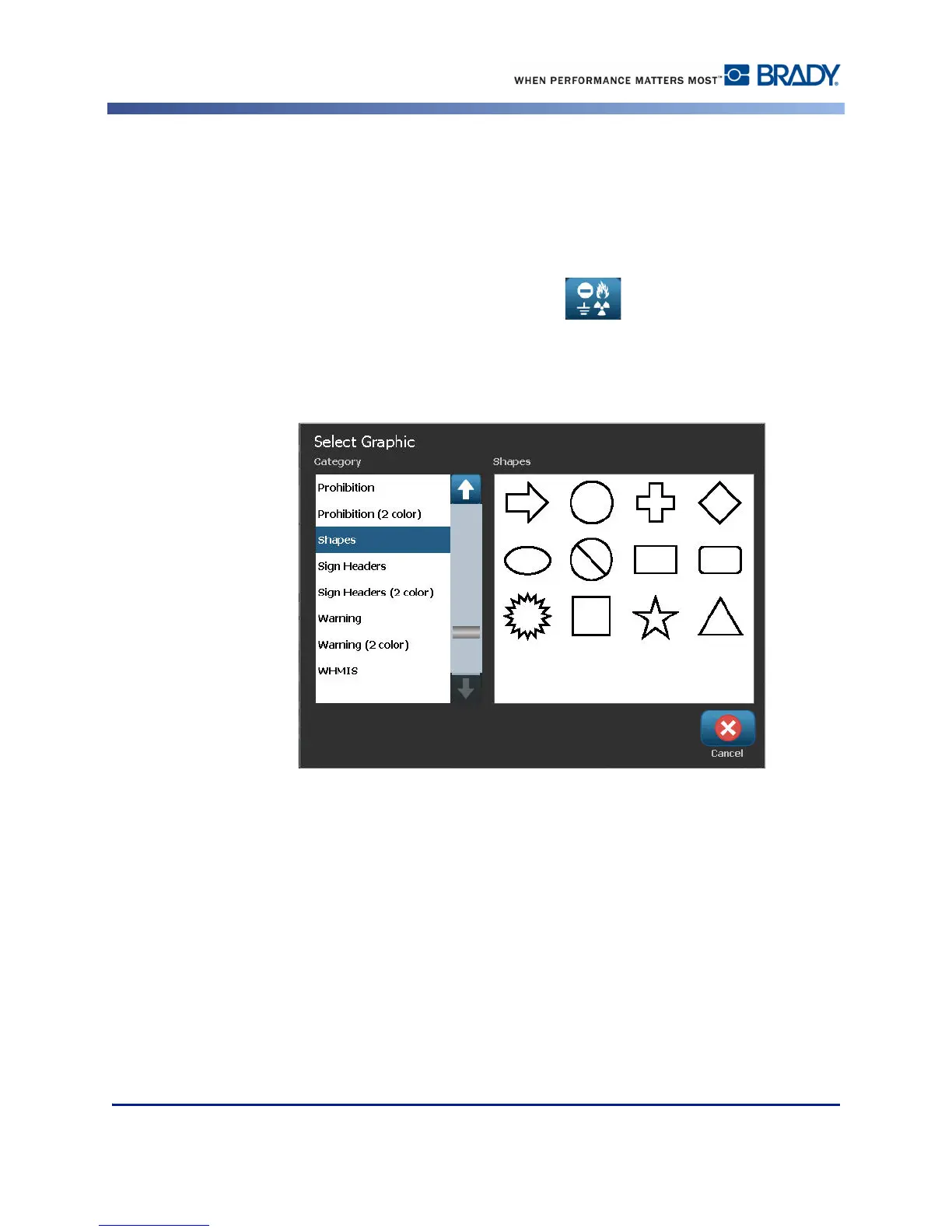
Shapes and graphics can be added to your label. However, only the BBP
®
37 printer allows you
to cut out the shape. Shapes are added to your label through the Graphic Object. To add a
shape to your label:
1. Touch the Editor screen where you want the shape to be added.
2. In the Add Object control panel, touch Graphic .
3. On the Select Graphic dialog box, under Category, touch Shapes.
4. From the list under Shapes, touch the desired shape.



 To Next Page