Application Label Types
Rev A 135 BBP
®
35/37 User’s Manual
Setting RTK Preferences
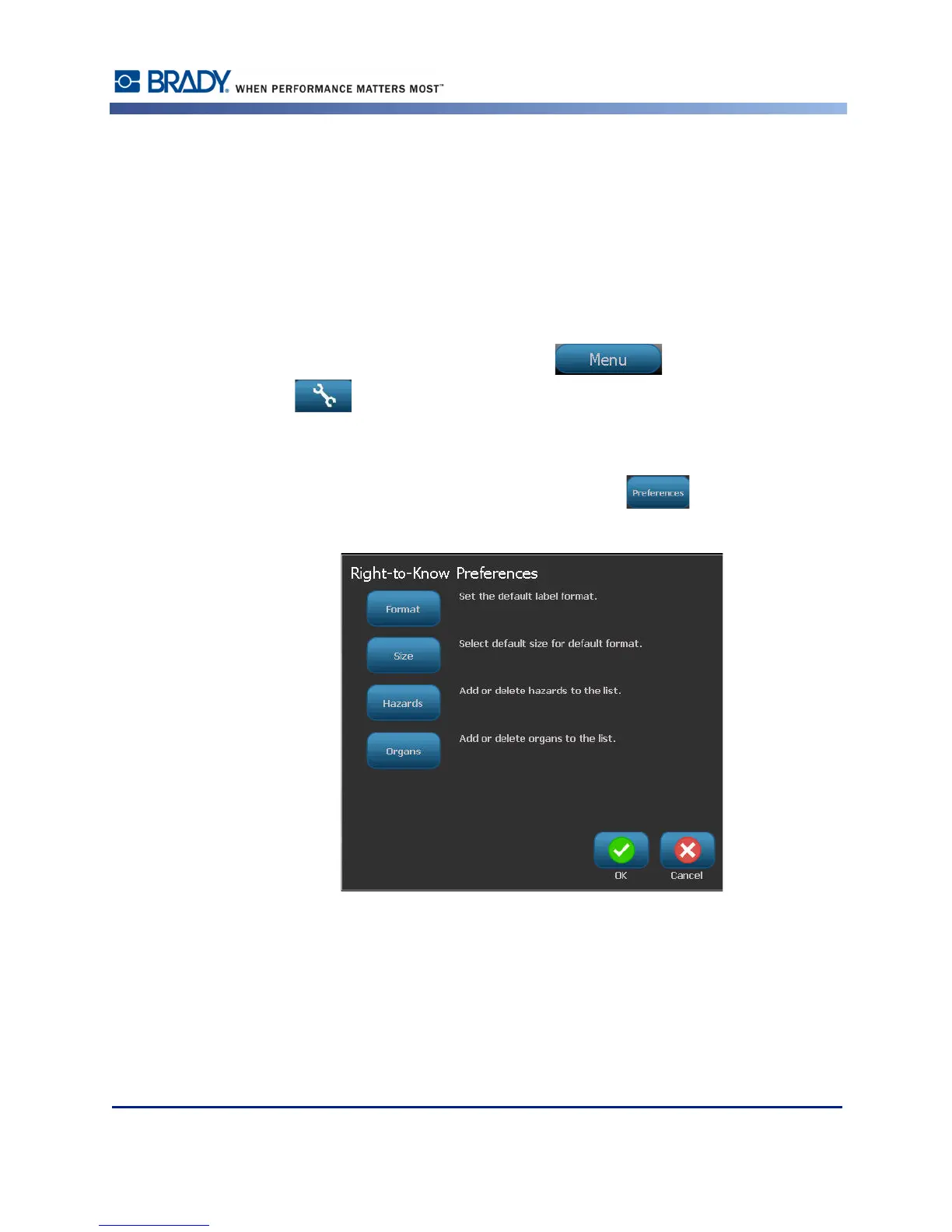
From the Right-to-Know Preferences menu, you can choose default label settings for size and
format. You can also add or delete hazards and/or organ types. Any defaults set here will stay
in effect until you change them.
If you use a standard or consistent Right-to-Know label format, set these formatting
preferences as defaults. Setting preferences simplifies creating RTK labels.
To set RTK label defaults:
1. With the RTK label in the Editor, touch Menu , then under System, touch
Setup .
OR, when creating a new RTK label:
On the Right-to-Know Format screen, touch Preferences .



 To Next Page