Application Label Types
Rev A 119 BBP
®
35/37 User’s Manual
Circle Gauge Label Type
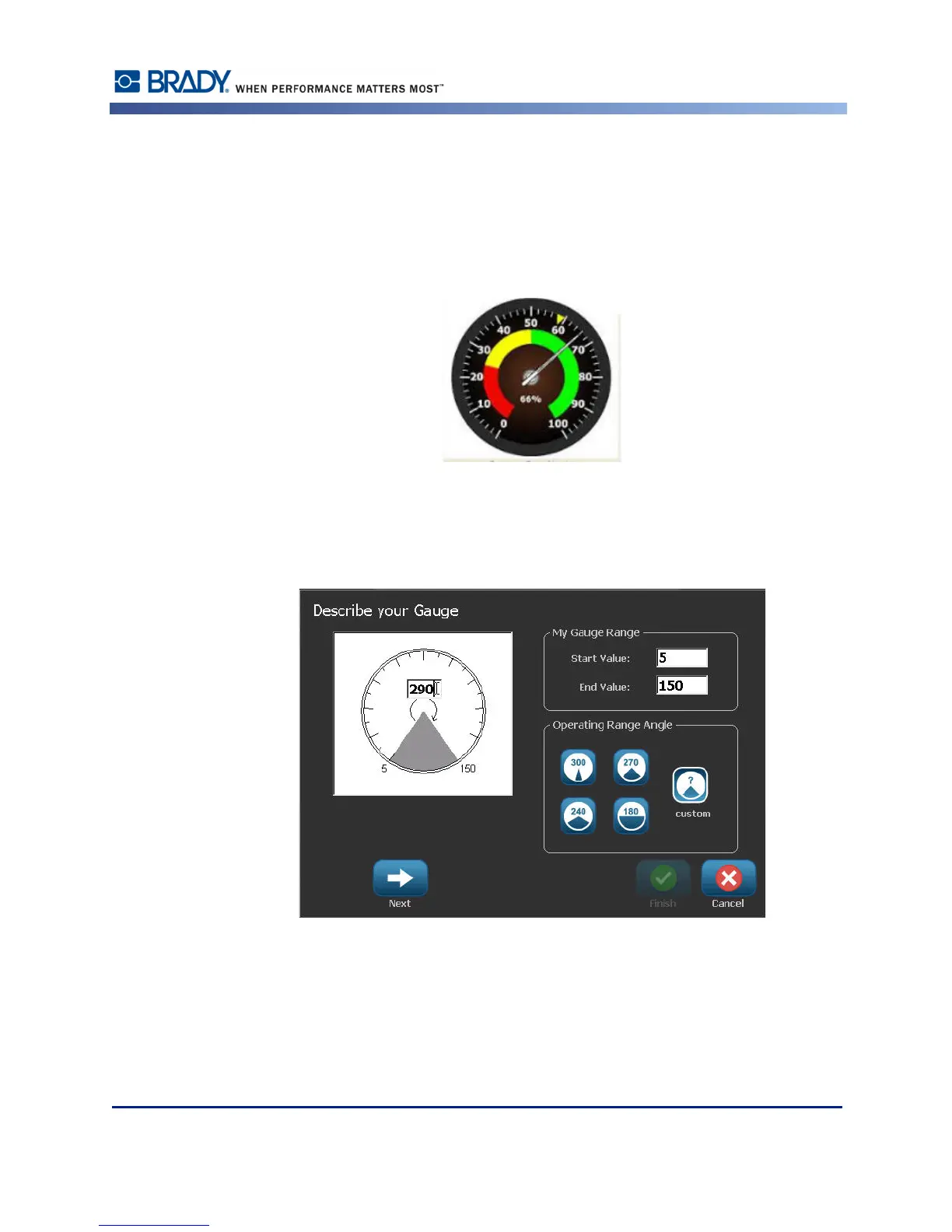
The Circular Gauge is a component used for displaying element values on a circular scale. It
consists of range of numbers, bound by a minimum and maximum value, shown on the gauge.
Typically, a gauge scale contains gauge labels and tick marks to give an accurate reading of
what the gauge pointer shows.
A circular gauge arranges ticks and labels in a circular fashion, either on a full circle or a
partial circle. A circular scale can be used to create scales, such as clocks and odometers.
1. Access Circle Gauge label type according to previous procedures.
The data fields on the Describe your Gauge screen are used to set up the parameters for the
gauge.
2. Under My Gauge Range, touch the Start Value data field and enter the starting (minimum)
value of the range that you want the gauge to display
3. Touch the End Value data field and enter the ending (maximum) value of the range that
you want the gauge to display.



 To Next Page