Setting Up the Printer
BBP
®
35/37 User’s Manual 6 Rev A
Install Ribbon Cartridge
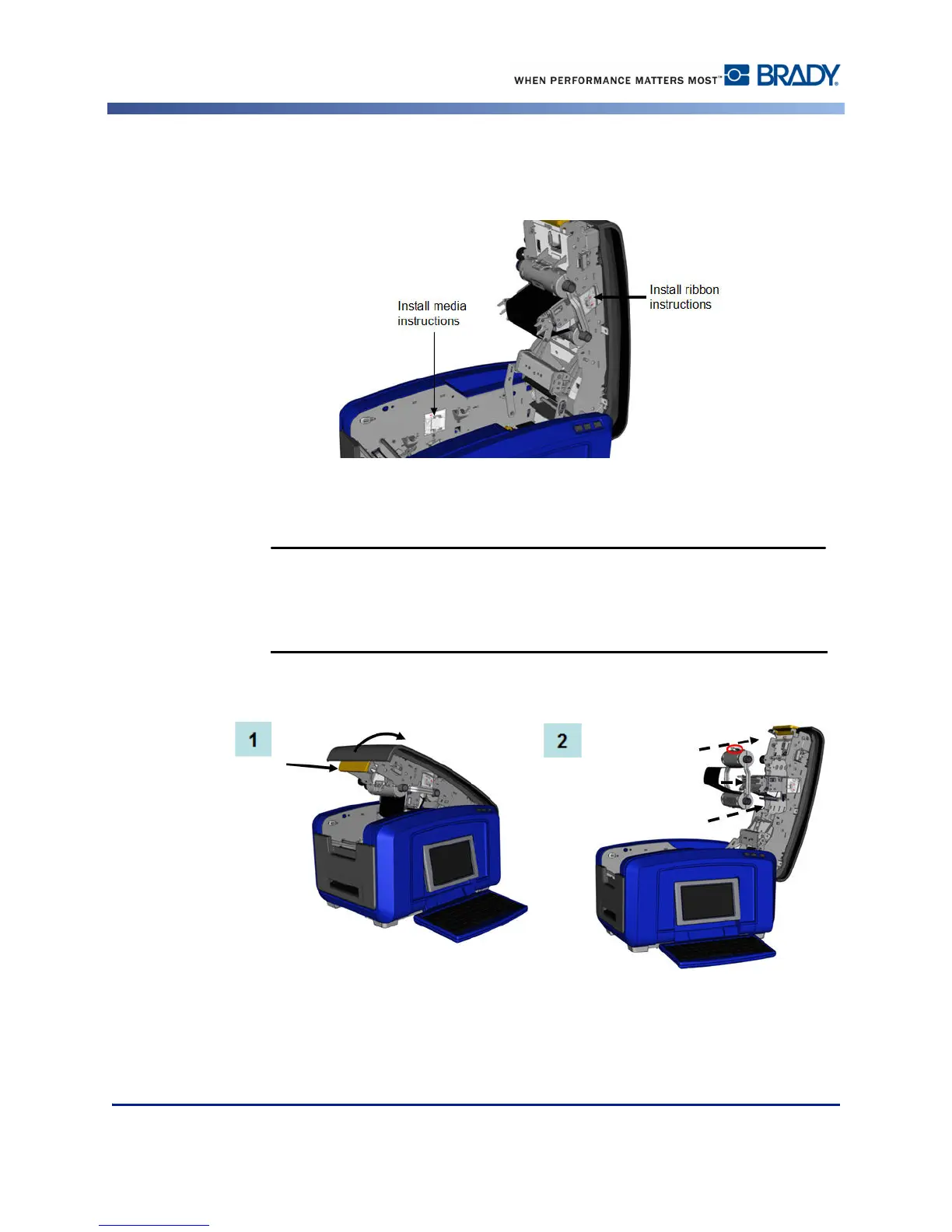
Illustrations on the inside of the cover show how to install the ribbon and label media (tape).
1. Open the cover by pulling up on the bottom of the yellow latch.
The cover pops open quickly. To ease the opening, place a hand on the
cover as you release the latch.
2. With the cartridge tab on top, facing outward, place the exposed ribbon over the print
head, then push the cartridge forward until it snaps into place.



 To Next Page