Printer Maintenance
Rev A 189 BBP
®
35/37 User’s Manual
Upgrading Printer Firmware
Upgrades to BBP
®
35/37 firmware can be downloaded from the Brady website. Once
downloaded to a PC or USB flash drive, the firmware upgrades can be transferred to the
BBP
®
35/37 printer. .
To download printer upgrades:
1. Access the Brady website at: www.bradyid.com/bbp3537 or www.bradyeurope.com
2. Click Support>Downloads.
Upgrade from a PC
To upgrade your printer firmware to a new version that is stored on a PC:
1. Connect the USB cable from your BBP
®
35/37 printer to the PC.
2. Turn the printer on.
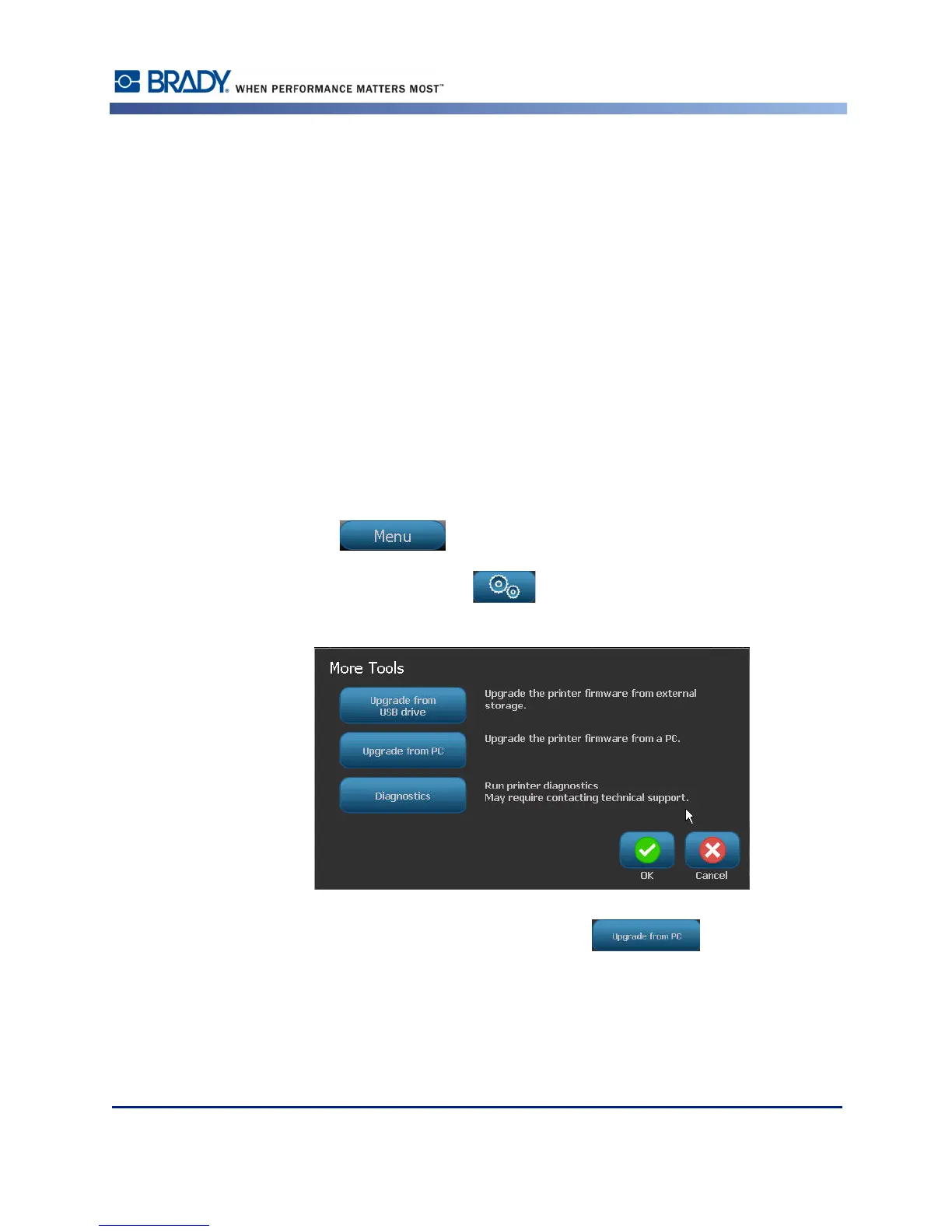
3. Touch Menu .
4. Under System, touch More Tools .
5. On the More Tools screen, touch Upgrade from PC .
If you have been working on a file, you are prompted to save your work.



 To Next Page