Printer Maintenance
BBP
®
35/37 User’s Manual 190 Rev A
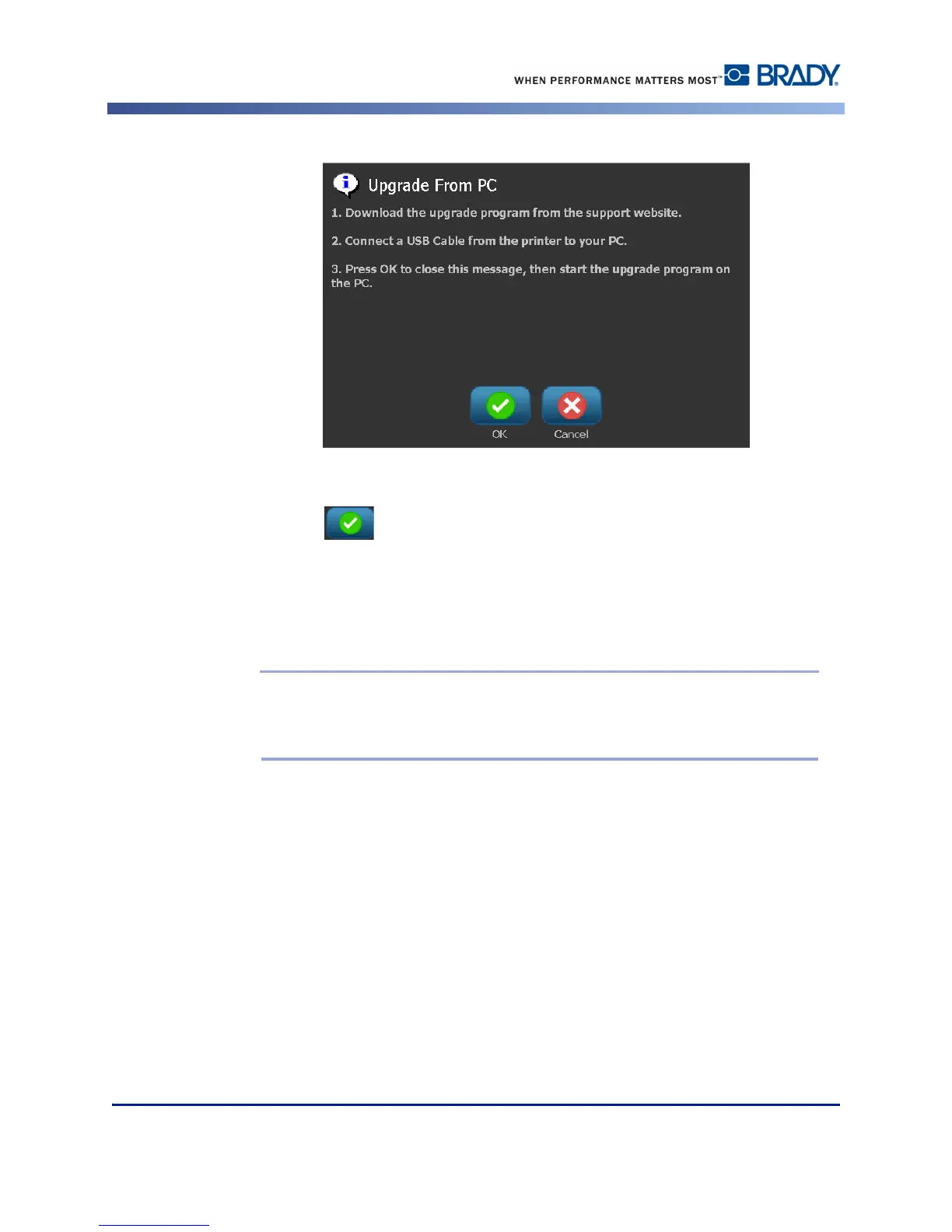
When you have insured that the requested information has been satisfied:
6. Touch OK .
7. On the PC, launch the upgrade utility.
8. In the Welcome dialog, select Next.
9. In the Select your printer dialog, select your BBP
®
35/37 printer.
Note: If your printer does not have enough free space, you will be prompted to
install a USB Flash Drive with at least 64MB of free space. See Upgrade from USB
Flash Drive below.
10. In the Version Confirmation dialog, select Start Upgrade to accept the upgrade or Cancel
to exit.
The printer restarts automatically after the upgrade is complete.
11. In the Success dialog, click Finish.



 To Next Page