Formatting a Label
Rev A 39 BBP
®
35/37 User’s Manual
2. Touch the desired object button.
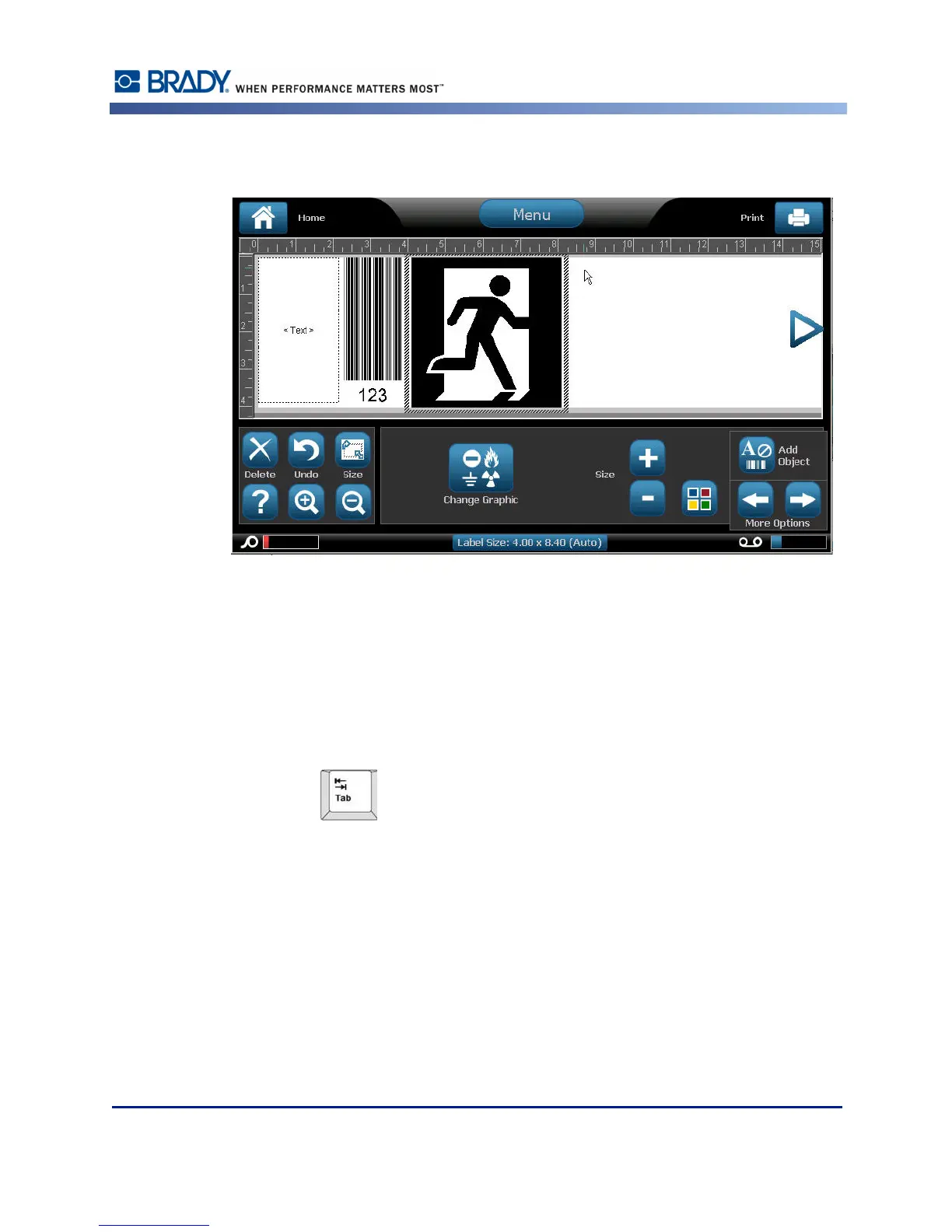
Selecting an Object Element
In order to format, edit, size, or move an object element, it must be selected. Selecting an
element places the focus on the element, enabling formatting functions to be performed only
on that element. The options in the Control Panel change depending on which object element
has been selected on the label. To select an object element:
1. On the label (Editor screen), touch the object element you want to work with.
OR
Press Tab key on keyboard.
A border displays around the element, indicating that the element is selected.
To remove the border (deselect the element):
2. Touch a different element or anywhere on the Editor screen.



 To Next Page