Formatting a Label
BBP
®
35/37 User’s Manual 54 Rev A
Special Characters
There are some characters that are not available on a standard keyboard, such as the degree or
copyright symbol, accented characters in different languages, fractions, etc. The BBP
®
35/37
printer provides many of these symbols for use in text elements.
Note: The available characters depend on the font in use.
To add a special character in the text element:
1. Position the cursor in the text element where the special character is to be placed.
2. Touch Special Characters .
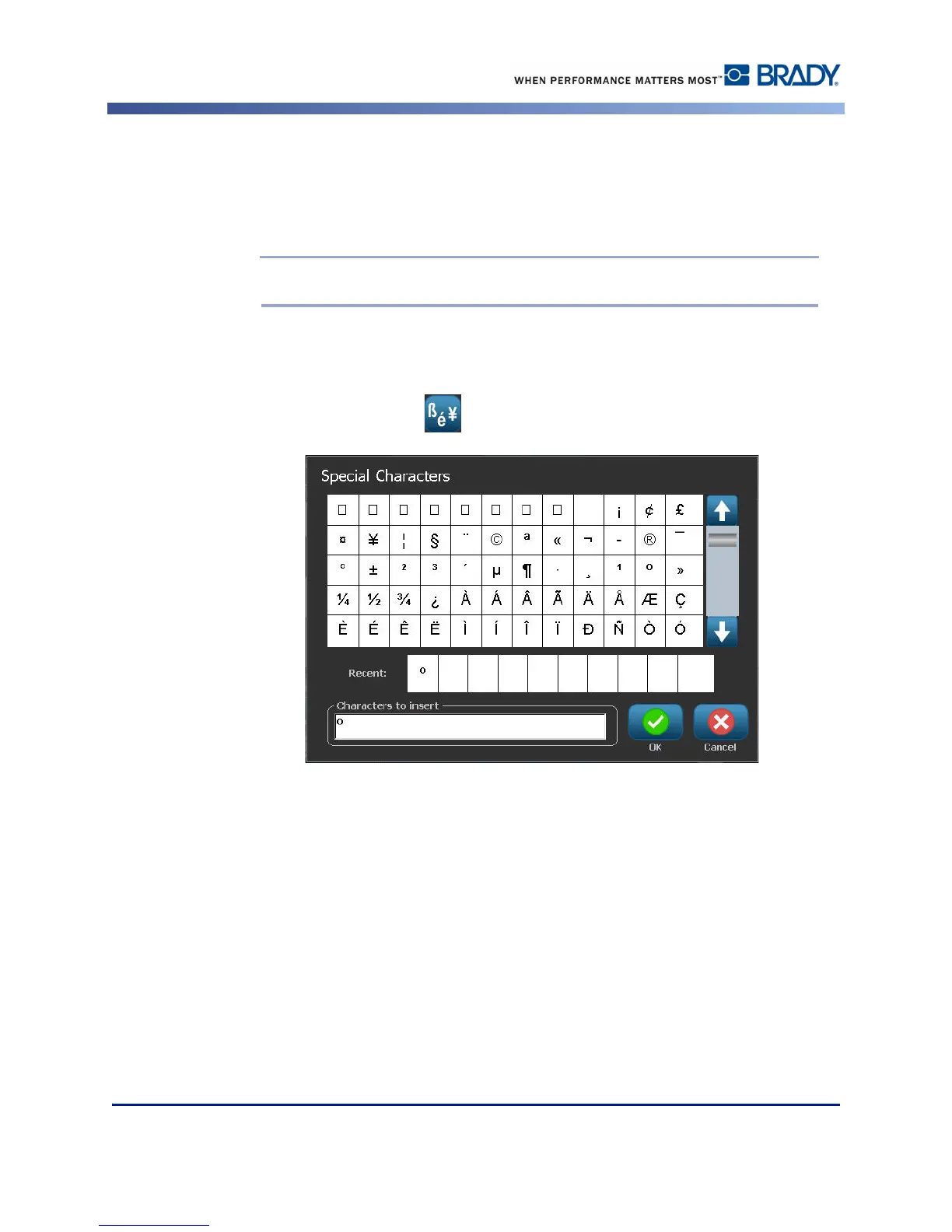
3. On the Special Characters screen, touch the scroll arrows to move up or down through the
list of available characters.
4. In the list, touch the character(s) you want to enter. (You can select more than one
character at a time.)
The selected character(s) immediately display in the Characters to insert area. You can also
type in the Characters to Insert area.



 To Next Page