Application Label Types
Rev A 121 BBP
®
35/37 User’s Manual
The Caution Zone is optional. The Caution Zone provides a visual element that announces
when you are reaching the In-Range Zone. (The Caution Zone is depicted by the yellow area
on the preceding graphic.)
To set up a Caution Zone:
10. Touch the option box describing where you want the Caution Zone to display on the
gradient (Before or After).
11. Touch the data field for the selected option box and enter the requested value (Start if
Before, End if After).
12. When ready, touch Finish .
Gauge Colors
You can change the color of the ranges on the gauge. This is a good idea, especially if the In-
Range Zone represents a detrimental scenario. For instance, for a car temperature gauge, you
may want the In-Range Zone to display in red, indicating the engine is getting too hot.
To change the color of a circle gauge zone:
1. In the Circle Gauge Label control panel, in More Options, touch Right to move to
the Colors control panel.
2. Under Colors, touch the option whose color you want to change (Out-of-Range, In-Range,
or Caution).
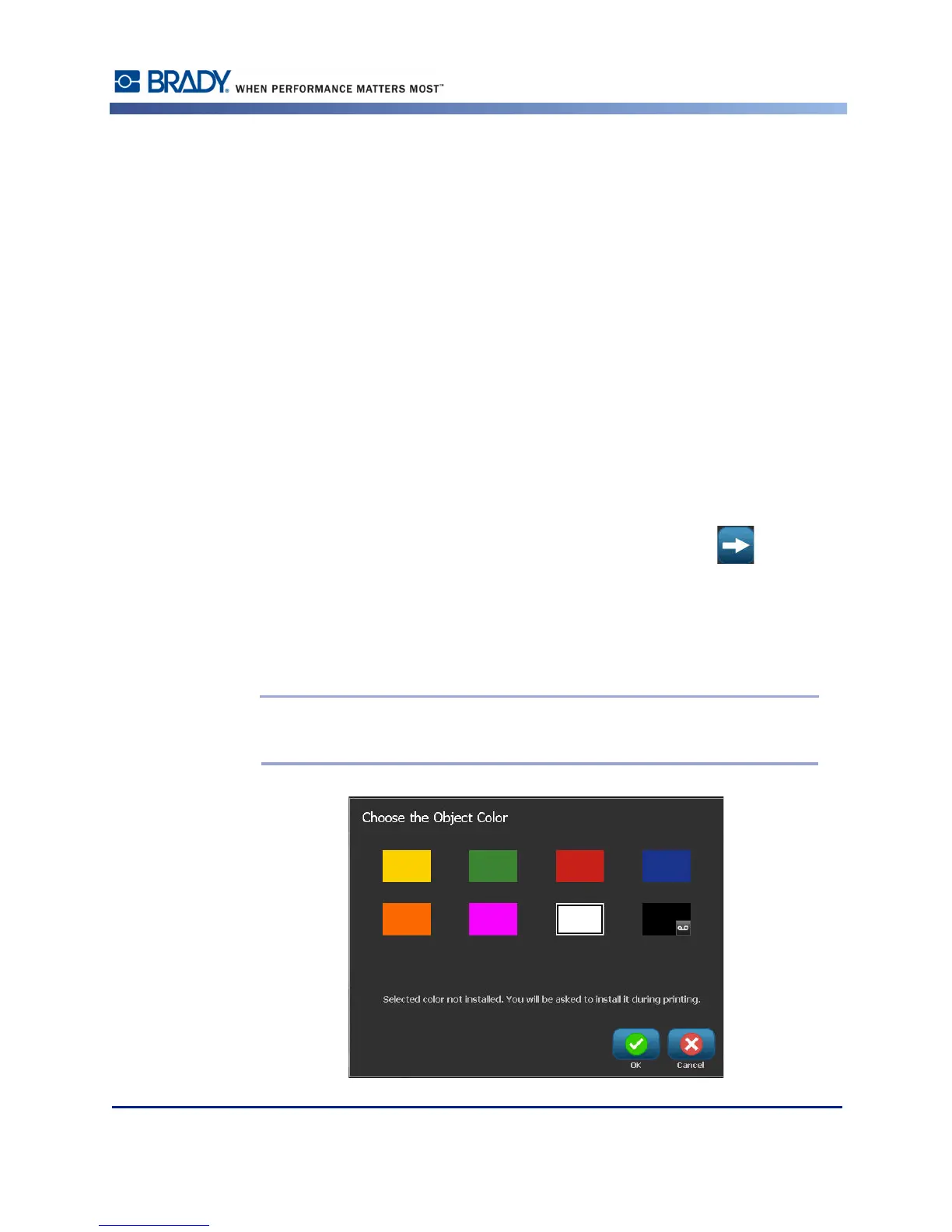
3. On the Choose the Object Color screen, touch the color you want to apply to that zone.
Note: If the color you selected is not installed on the printer, a message displays
telling you to install the color at the time of printing.



 To Next Page