Display Screen
BBP
®
35/37 User’s Manual 16 Rev A
Some data fields contain default (pre-set) information. To change the information in these data
fields:
3. Touch the option for the pre-set data field.
The pre-set data highlights.
4. Using the keyboard, enter new data directly over the highlighted pre-set data.
5. To accept options and data entered, touch OK .
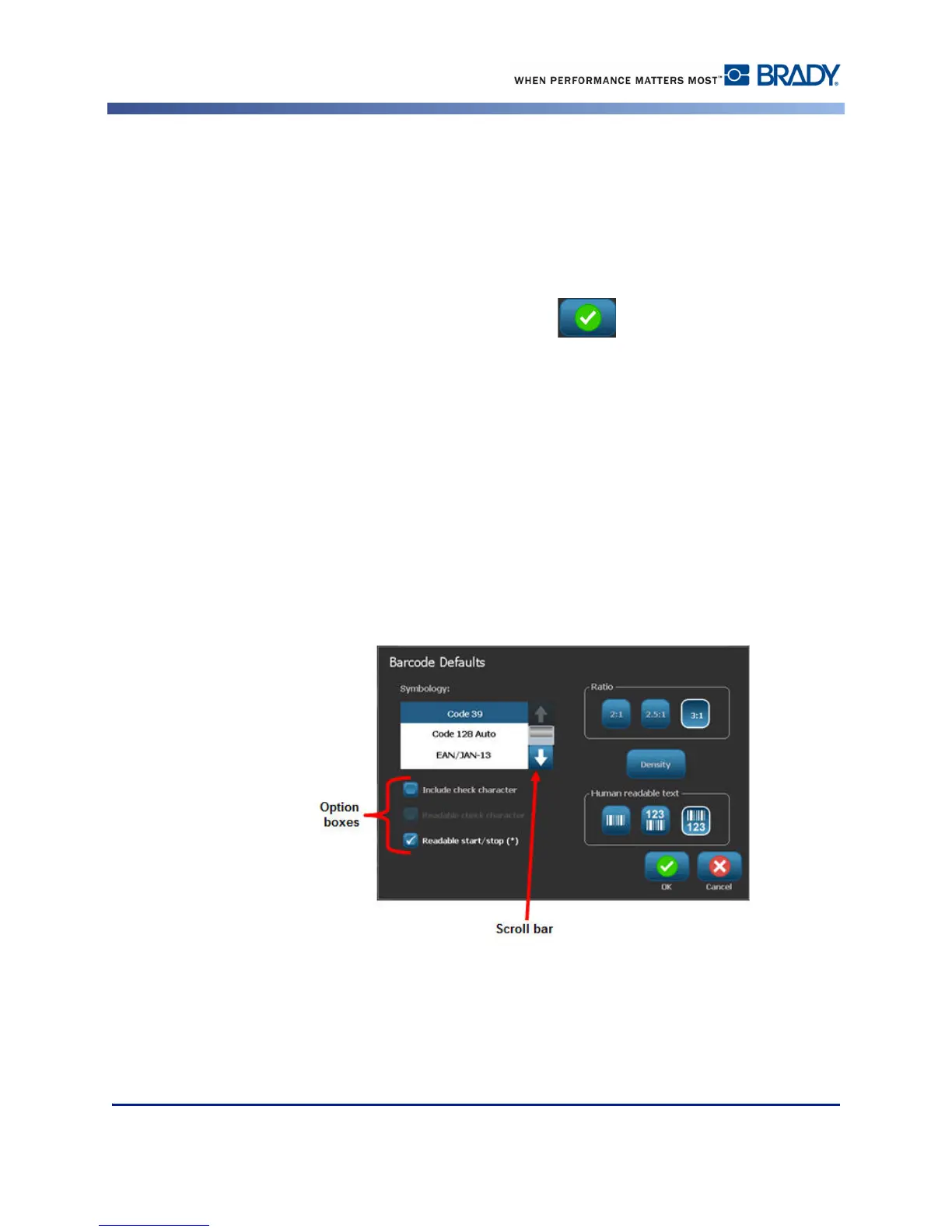
Option Boxes
Option boxes signify system defined choices or values. To use a system defined option:
1. Touch the box preceding the desired choice.
A checkmark displays in the box, signifying the option has been selected. To remove the
checkmark (and thereby de-selecting the choice):
2. Touch the option box again.
Some option box choices are connected to highler level choices. In that case, the sub-choices
are not available (are grayed out) if the higher level choice is not selected.



 To Next Page