Getting Started
BBP
®
35/37 User’s Manual 34 Rev A
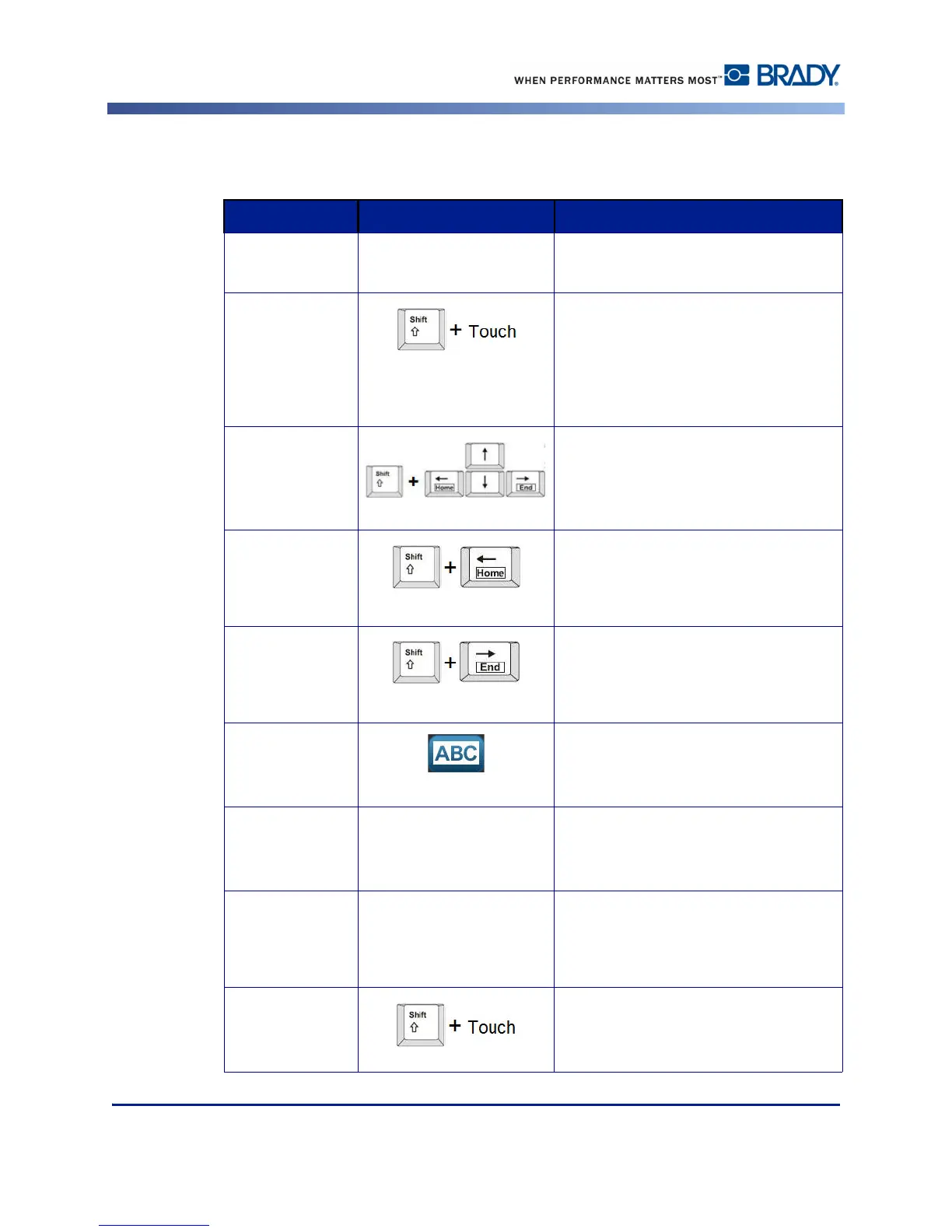
Selecting/Deselecting Text
Function Option Description
Select a Word
Touch In the text box, touch the word to
highlight.
Select multiple
words
Touch the first word in a line of text.
Press and hold the Shift key and touch
the last word in the line of text.
All text between the first touched word
and the last touched word are
highlighted.
Select characters To select characters, hold the Shift key
while pressing the arrow key in the
direction you want to highlight.
Select characters
to beginning of
text
To select text from the position of the
cursor to the beginning of all lines of
text, hold the Shift key while pressing
Home key.
Select characters
to end of text
To select text from the position of the
cursor to the end of all lines of text, hold
the Shift key while pressing the End
key.
Select all
characters
When inside the text box, touch Select
All Characters button.
All text in the text box is highlighted.
Deselect a Word Touch If a word is highlighted, touch the word
again to deselect. The highlighting is
removed.
Deselect all but
one word
Touch To deselect all highlighted words
EXCEPT one word, touch the word that
you want to keep highlighted. All other
highlighted words deselect.
Deselect all
highlighted
words
Hold the Shift key and touch anywhere
in the highlighted words. All words are
deselected.



 To Next Page