Formatting a Label
BBP
®
35/37 User’s Manual 44 Rev A
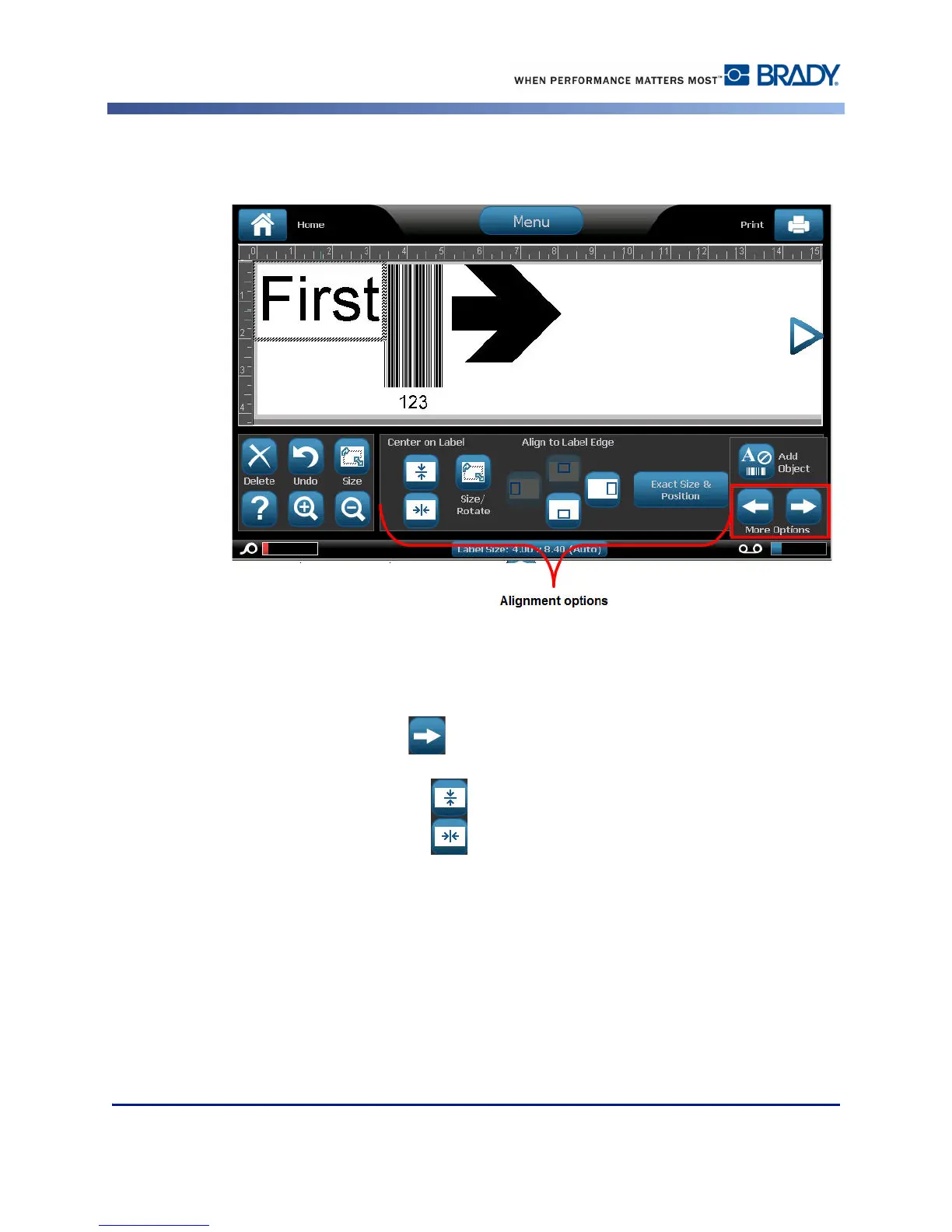
Alignment
The Center on Label buttons center the selected element vertically or horizontally to the
boundaries (margins) of the label, not to other elements. To center an element on a label:
1. Touch the element to be centered.
2. Touch the Right Arrow button under More Options, until the Center on Label
buttons are displayed.
3. Touch the Center on Label button desired (vertically or horizontally).
The Align to Label Edge buttons align the selected element to the left, right, top or bottom
edge of the label. Only the alignment options relevant to element are available. For instance, if
an element is already aligned to the top of the label, the top alignment button is grayed out.



 To Next Page