File Management
BBP
®
35/37 User’s Manual 82 Rev A
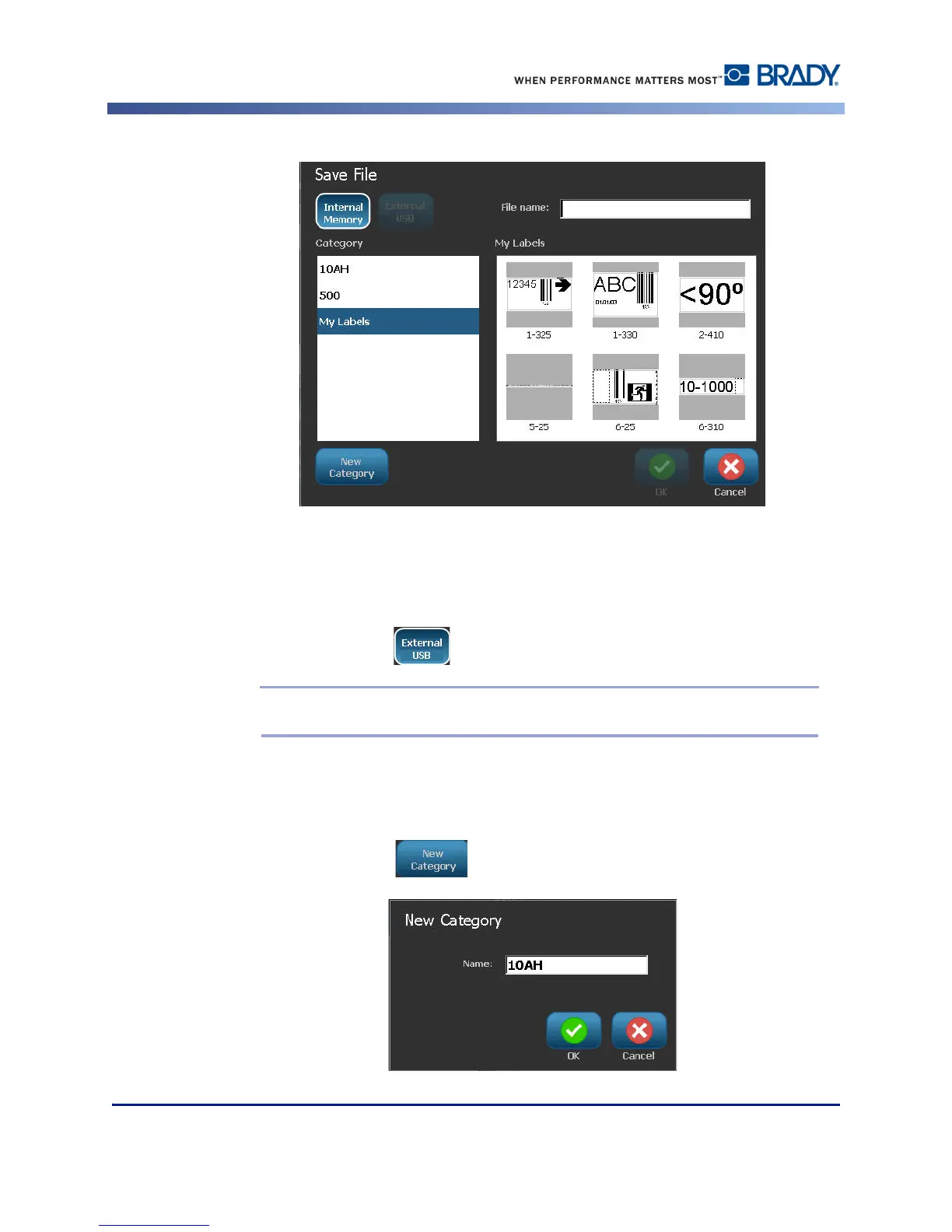
You have the option of saving files directly on your printer (Internal Memory) or on a
removable, external flash drive (External USB).
The printer defaults to Internal Memory. To save externally (on a USB flash drive):
3. Touch External USB .
Note: If storing externally, ensure the USB flash drive is plugged into a USB port.
For ease in locating files, create a directory system by placing the files into Categories. The
BBP
®
35/37 printer provides an initial category (My Labels), which is automatically selected
when you save a label. To create a new Category:
4. Touch New Category .



 To Next Page