File Management
Rev A 83 BBP
®
35/37 User’s Manual
5. In the Name: data field, enter a Category name, then touch OK .
The Category is automatically selected. To save a file in this Category, proceed to Step 7. To
save the label file in a different category from the one that is selected:
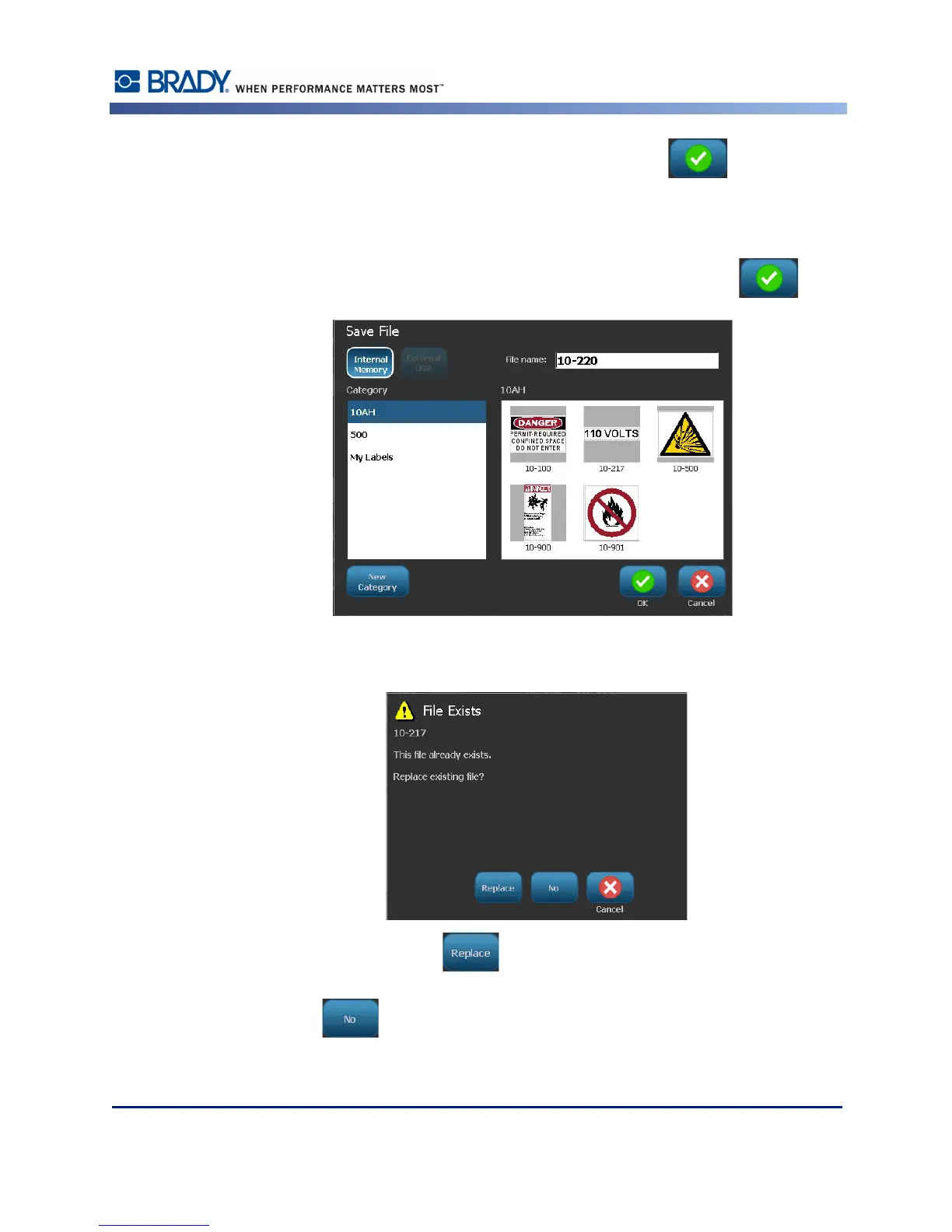
6. On the Save File screen, touch the Category in which the label should be saved.
7. In the File Name data field, enter a name for the label file, then touch OK .
If the name already exists, a message displays asking if you want to overwrite the previous file
with that name.
8. To overwrite, touch Replace .
OR, to remove the message from the screen and return to the file name entry box:
Touch No .
9. To enter a different file name repeat Step 7 above.



 To Next Page