Formatting a Label
BBP
®
35/37 User’s Manual 80 Rev A
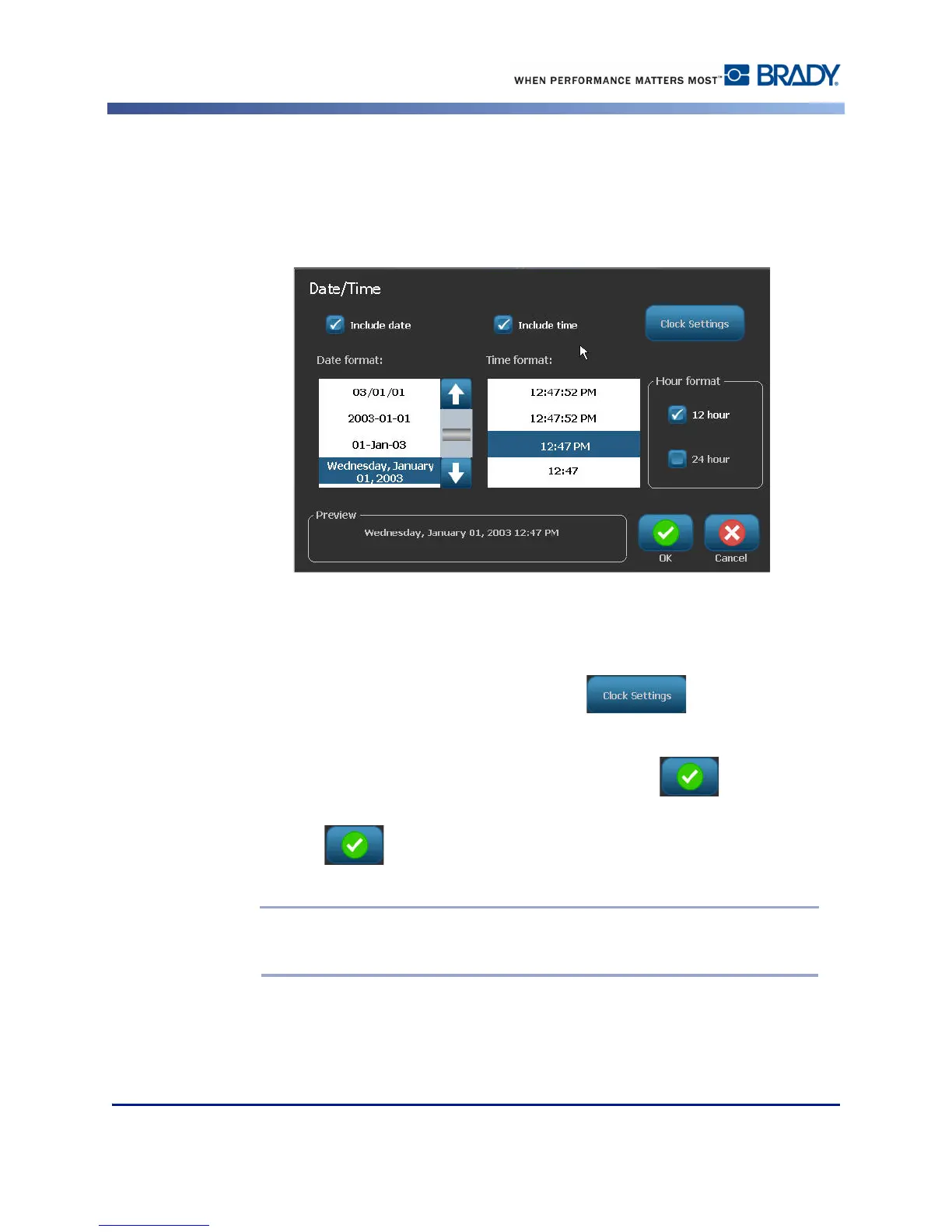
To include the Time, under Time format:
7. Touch the time format to include on the label.
8. Under Hour format, touch the clock format to use 12 hour or 24 hour.
So far you have just been able to select the date and time format. The system will stamp the
current date and/or time on the label in the formats you choose. However, to change the date
and/or time to something other than the current date and time, change the Clock Settings.
9. In the Date/Time dialog box, touch Clock Settings .
10. Follow the procedures on page 19 to change the date and time settings.
11. When finished changing the date and time settings, touch OK to exit the Clock
Settings dialog box.
12. Touch OK again to exit the Date/Time dialog box and place the date and/or time
on the label.
Note: When printed, the date/time value of each label will reflect the current date
and time when printing.



 To Next Page