Formatting a Label
BBP
®
35/37 User’s Manual 48 Rev A
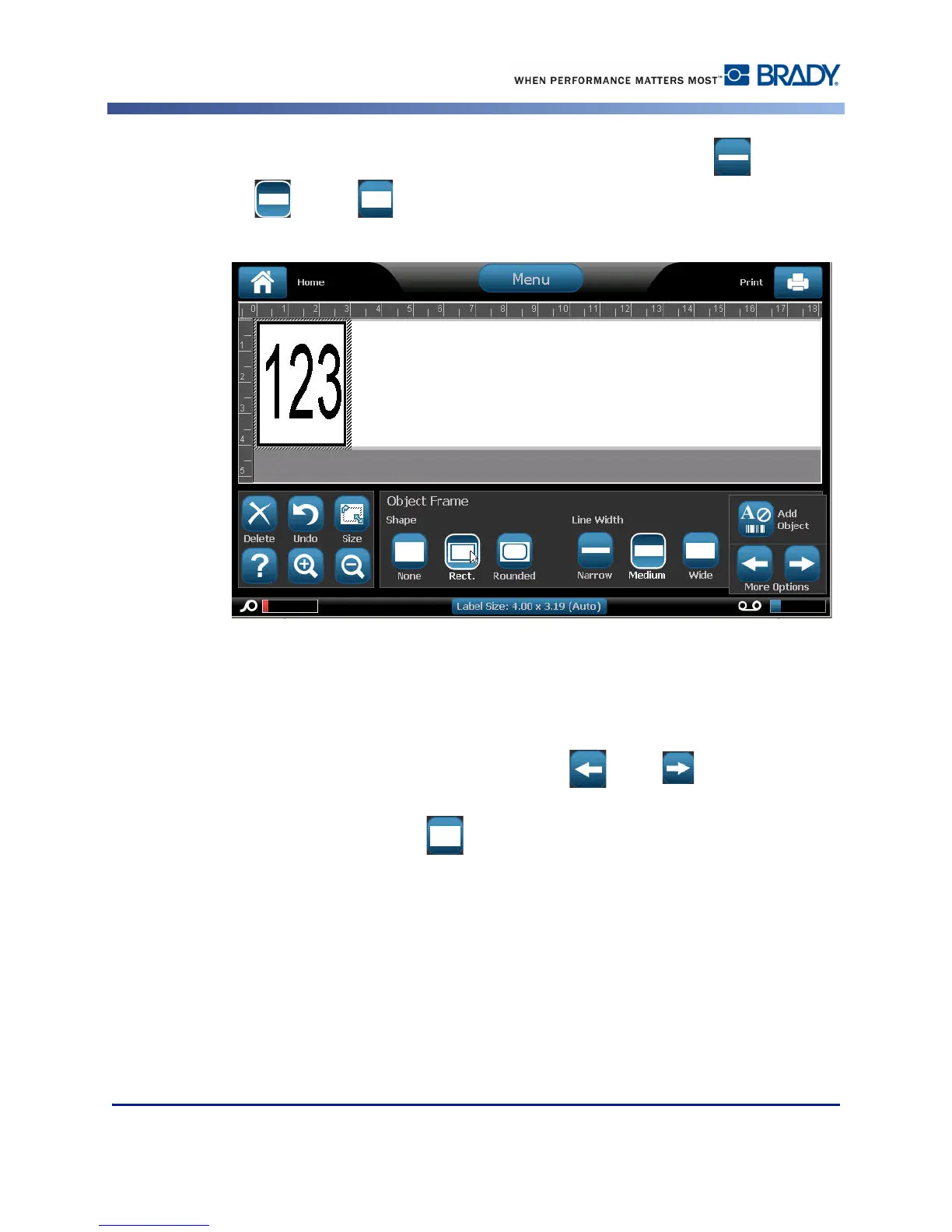
4. Under Line Width, touch the desired width of the frame lines, Narrow , Medium
, or Wide .
Remove a Frame
To remove an element frame:
1. Touch the element whose frame you want to remove.
2. In the Control Panel, in More Options, touch left or right to move to the Object
Frame screen.
3. Under Shape, touch None .



 To Next Page