Label Types
BBP
®
35/37 User’s Manual 108 Rev A
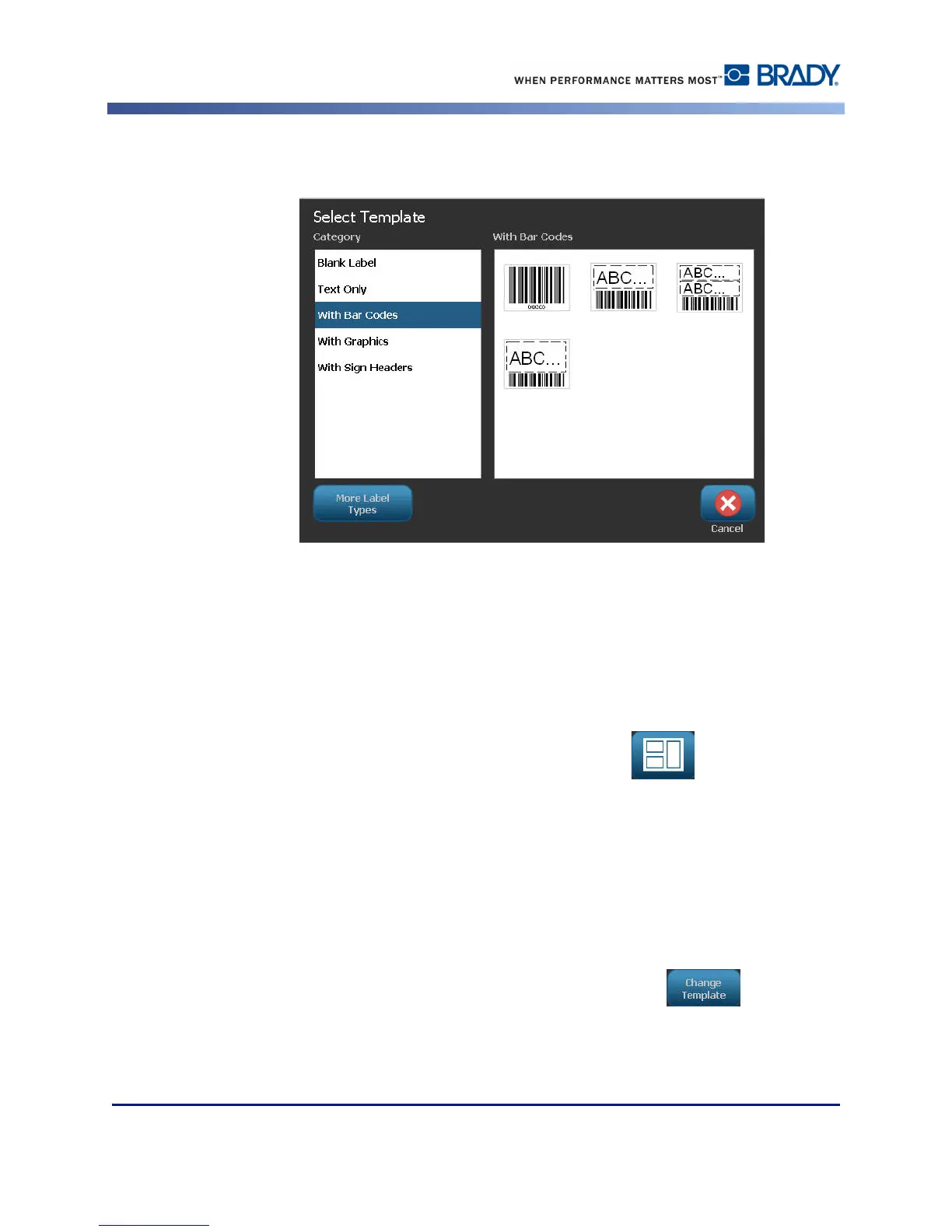
On the right side of the Select Template dialog box, templates in that category display.
3. Touch the desired template.
The template displays in the Editor with the object elements scaled to fit the installed media.
The cursor is in the first element.
4. Enter the appropriate data for that object element.
If there is more than one object element in the template, to move to the next element:
5. In the Using a Template control panel, touch Next Object .
OR
In the Editor, touch the desired element in which you want to enter data.
If the template displayed in the Editor does not suit your purposes, you can change the
template. However, once you have defined data for at least one of the elements, the button to
change the template is no longer available and you are prompted to save the file before
continuing. To change the template before entering data:
6. In the Using a Template control panel, touch Change Template .



 To Next Page