Application Label Types
Rev A 113 BBP
®
35/37 User’s Manual
Save an Application Label Type
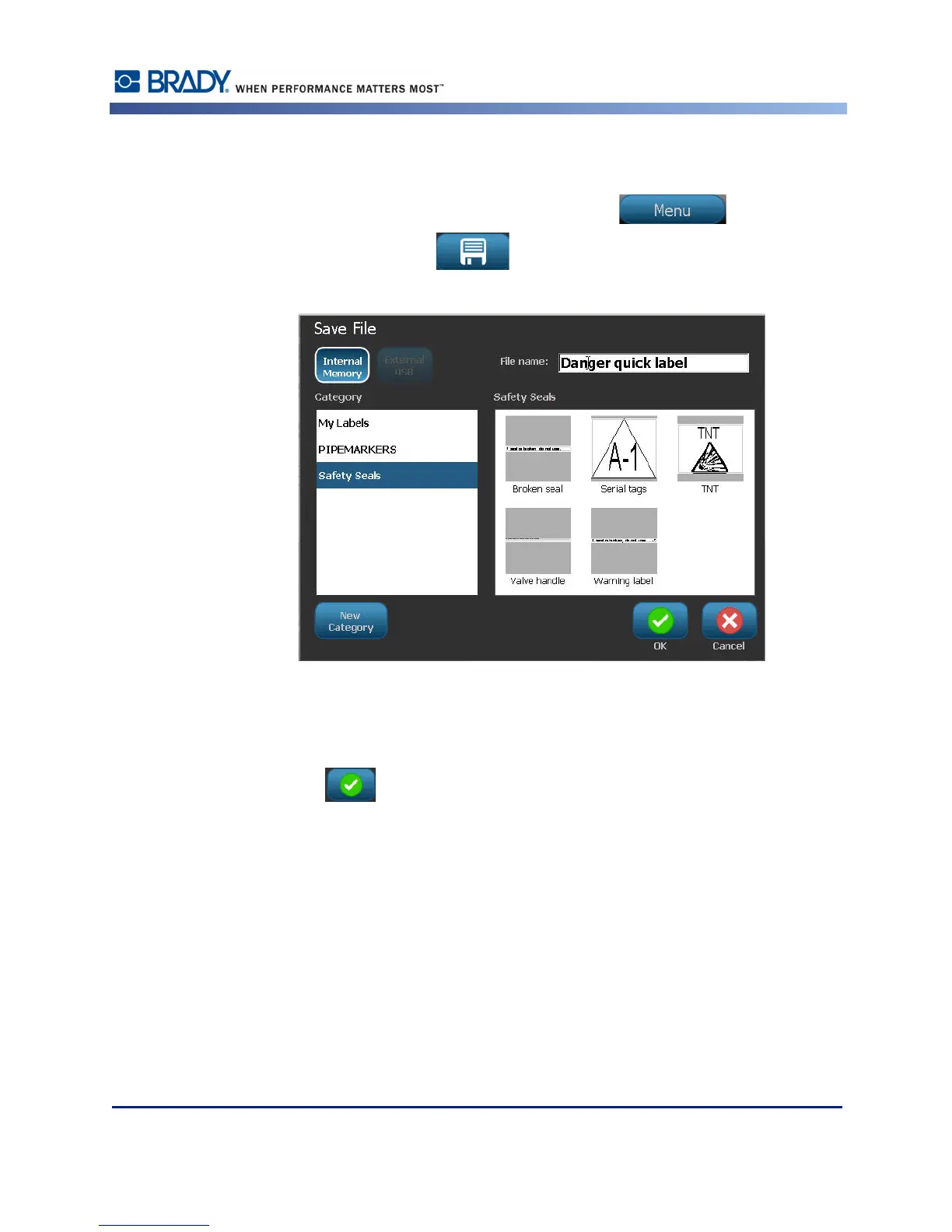
To save an application label type:
1. With the label type displayed in the Editor, touch Menu .
2. Under File, touch Save File .
3. Select a category, or if desired, create a new category. (See page page 82 for information
on creating categories.)
4. In the File name field, enter a file name for the label type.
5. Touch OK .



 To Next Page