Application Label Types
BBP
®
35/37 User’s Manual 132 Rev A
10. Touch Next .
11. On the Health Hazard screen, in the list provided, touch the health hazard rating to be used
on the label, then touch Next .
12. On the Fire Hazard screen, in the list provided, touch the fire hazard rating to be used on
the label, then touch Next .
13. On the Instability screen, in the list provided, touch the instability rating to be used on the
label, then touch Next .
14. On the Specific Hazard screen, in the list provided, touch the specific hazard rating to be
used on the label, then touch Next .
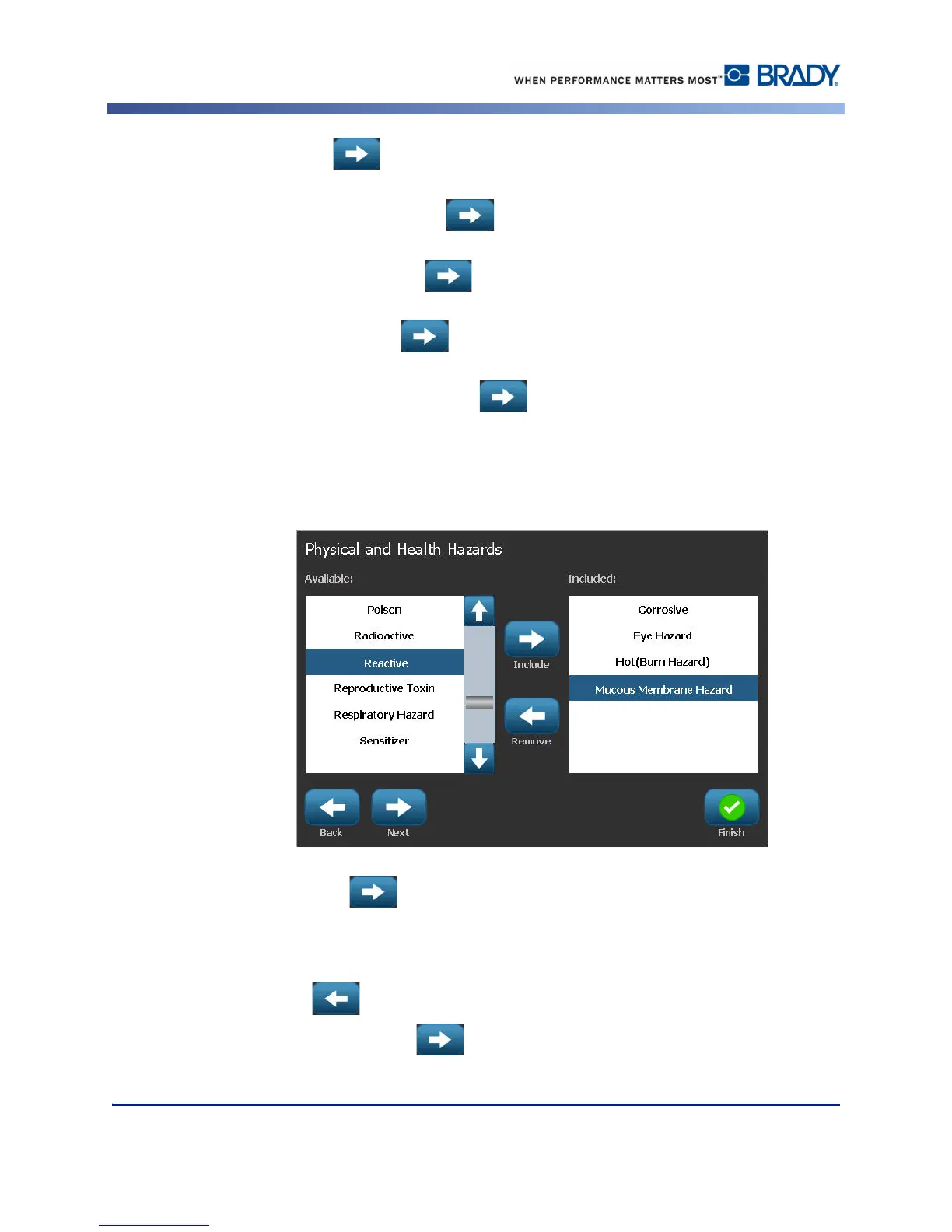
15. On the Physical and Health Hazard screen, in the displayed list under Available:, touch the
hazard to include on the label. (Use the up/down arrows of the scroll bar to view more
options.)
16. Touch Include to include the hazard on the label.
17. Repeat the above two steps to include as many hazards as required.
18. To remove items from the Included list, touch the hazard in the Included list, then touch
Remove .
19. When ready, touch Next .



 To Next Page