Application Label Types
BBP
®
35/37 User’s Manual 168 Rev A
OR
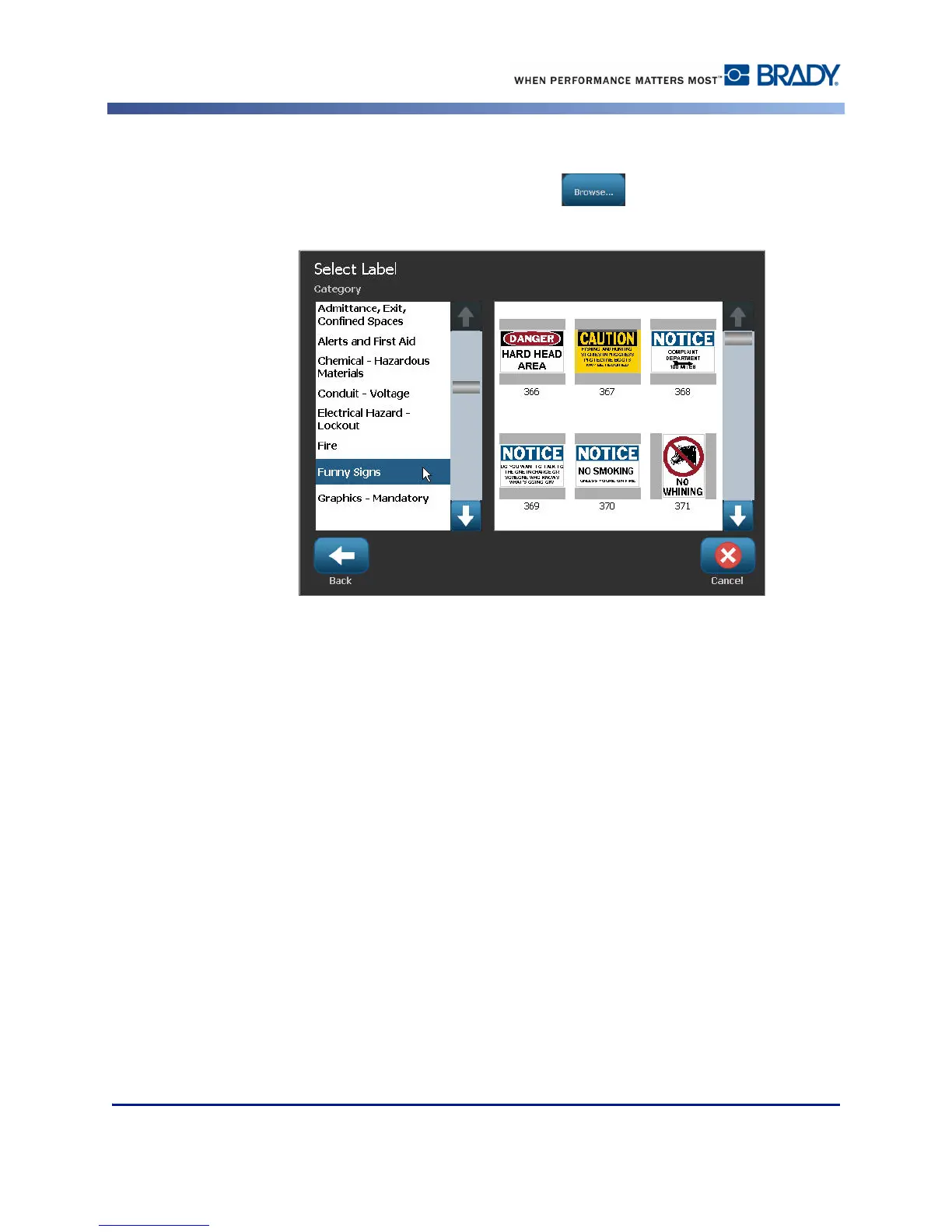
3. If you do not know the label ID, touch Browse .
4. Under Category, touch the up/down arrows in the scroll bar to view more options in the
list, then touch the desired category.
5. Touch the up/down arrows in the scroll bar to the right of the displayed labels to view
more labels. Then, in the list, touch the desired quicklabel.
The label immediately opens in the Editor.
You can edit the quicklabel using normal editing procedures. See page page 41.
You can save, open, or delete quicklabels according to normal label procedures. (See page 81.)



 To Next Page