Application Label Types
BBP
®
35/37 User’s Manual 172 Rev A
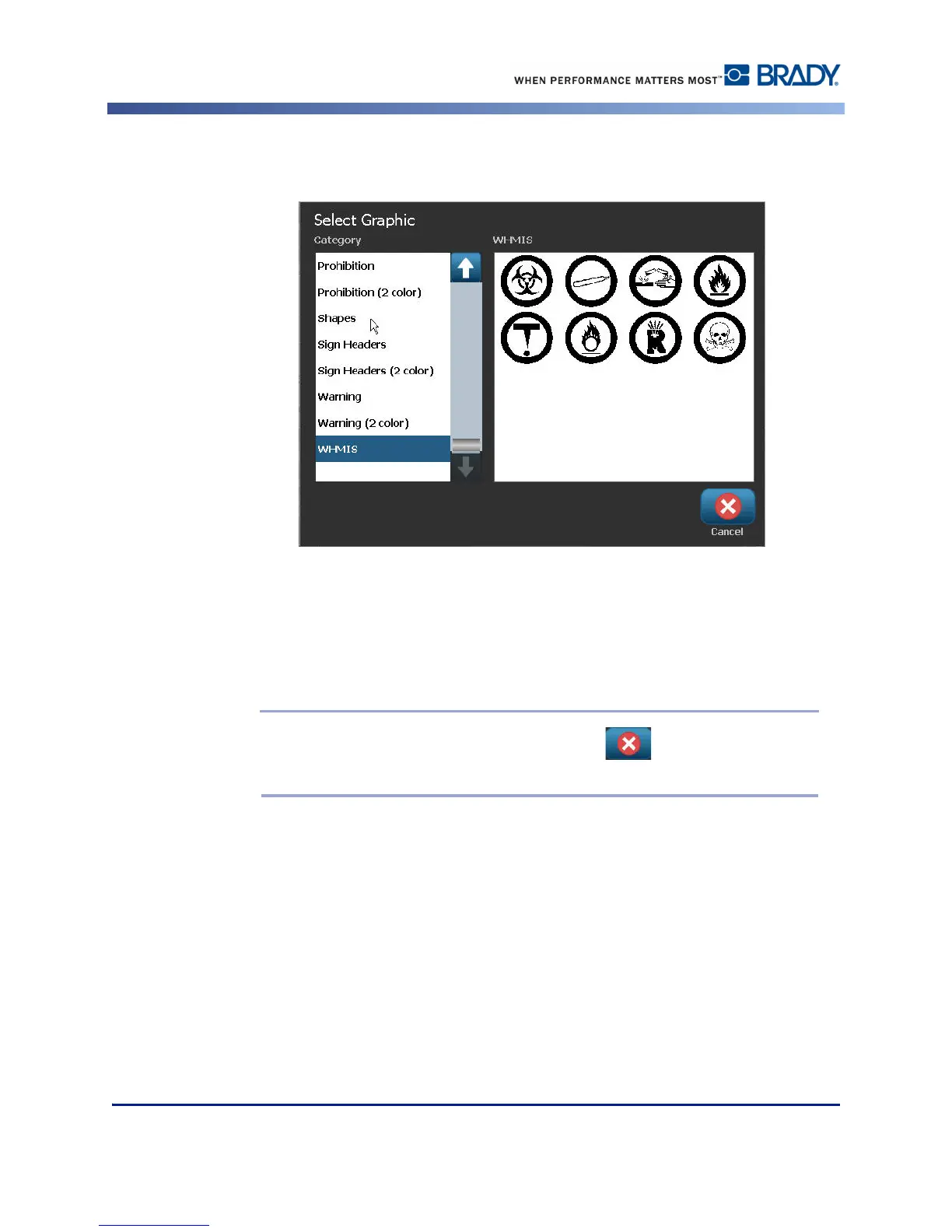
When accessing a graphic data field (either by touching or using the Next Object button), the
Select Graphic screen immediately displays.
The WHMIS category is selected by default, however you can select a different category if
desired.
7. Touch the desired graphic.
The selected graphic is immediately displayed on the WHMIS label in the Editor.
Note: On the Select Graphic screen, touch Cancel if you do not want to
add a graphic.



 To Next Page