System Defaults
Rev A 27 BBP
®
35/37 User’s Manual
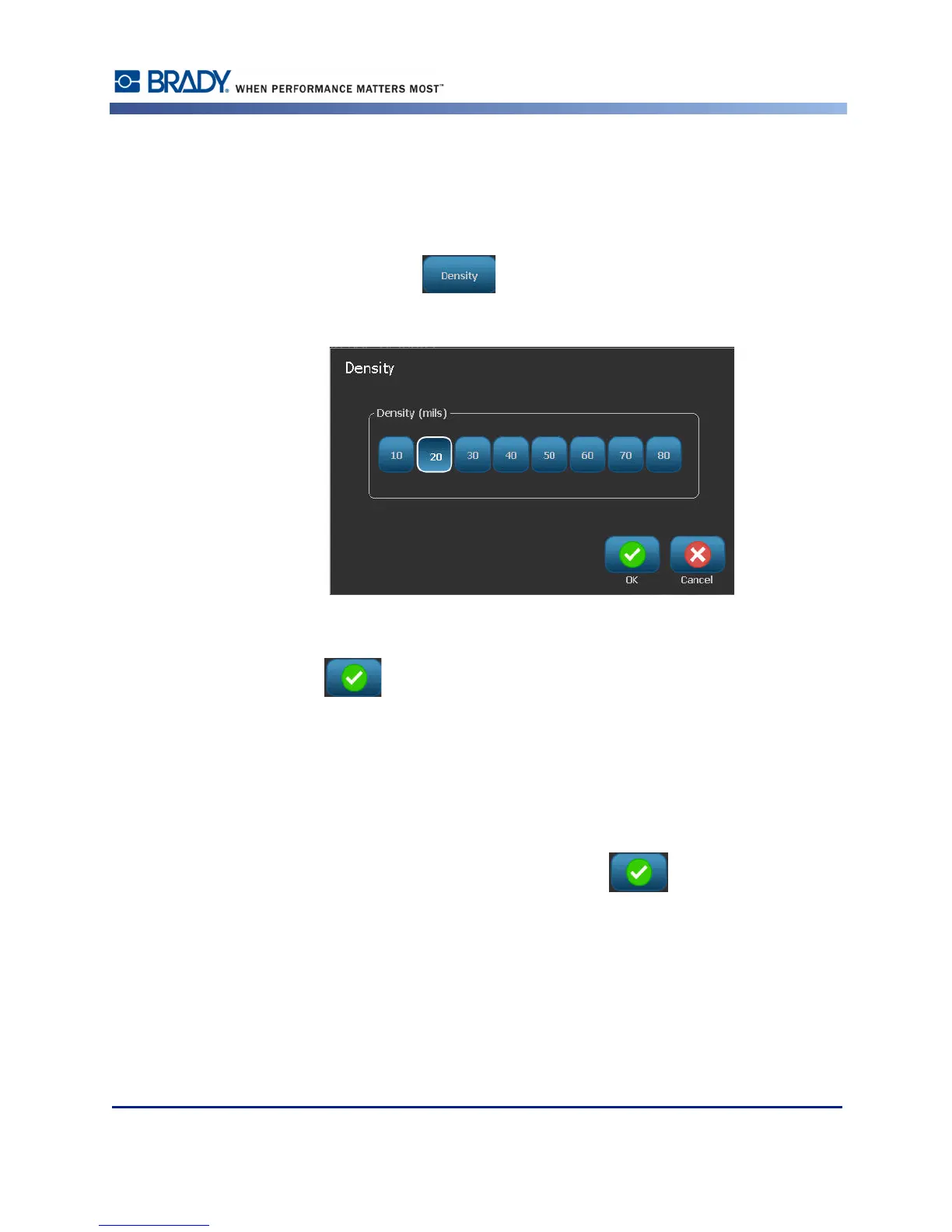
Density refers to the thickness of the bars and spaces within a barcode. You can change the
density (which in turn lengthens the barcode), but the size of the bars and spaces retain the
same ratio to each other. For the most effective and reliable scanning, implement with the
lowest possible density.
To change the density:
10. Touch the Density button .
The density is measured in mils.
11. Touch the desired density.
12. Touch OK to accept the density change.
Barcodes are made up of bars and spaces, meant to be read by machines. Human readable text
is the text that makes up the barcode, but able to be read by humans. You have the option to
never display the human readable text, display the text above the barcode or below the
barcode.
13. Under Human readable text, touch the desired option.
14. When finished setting the barcode defaults, touch OK to accept the changes.



 To Next Page