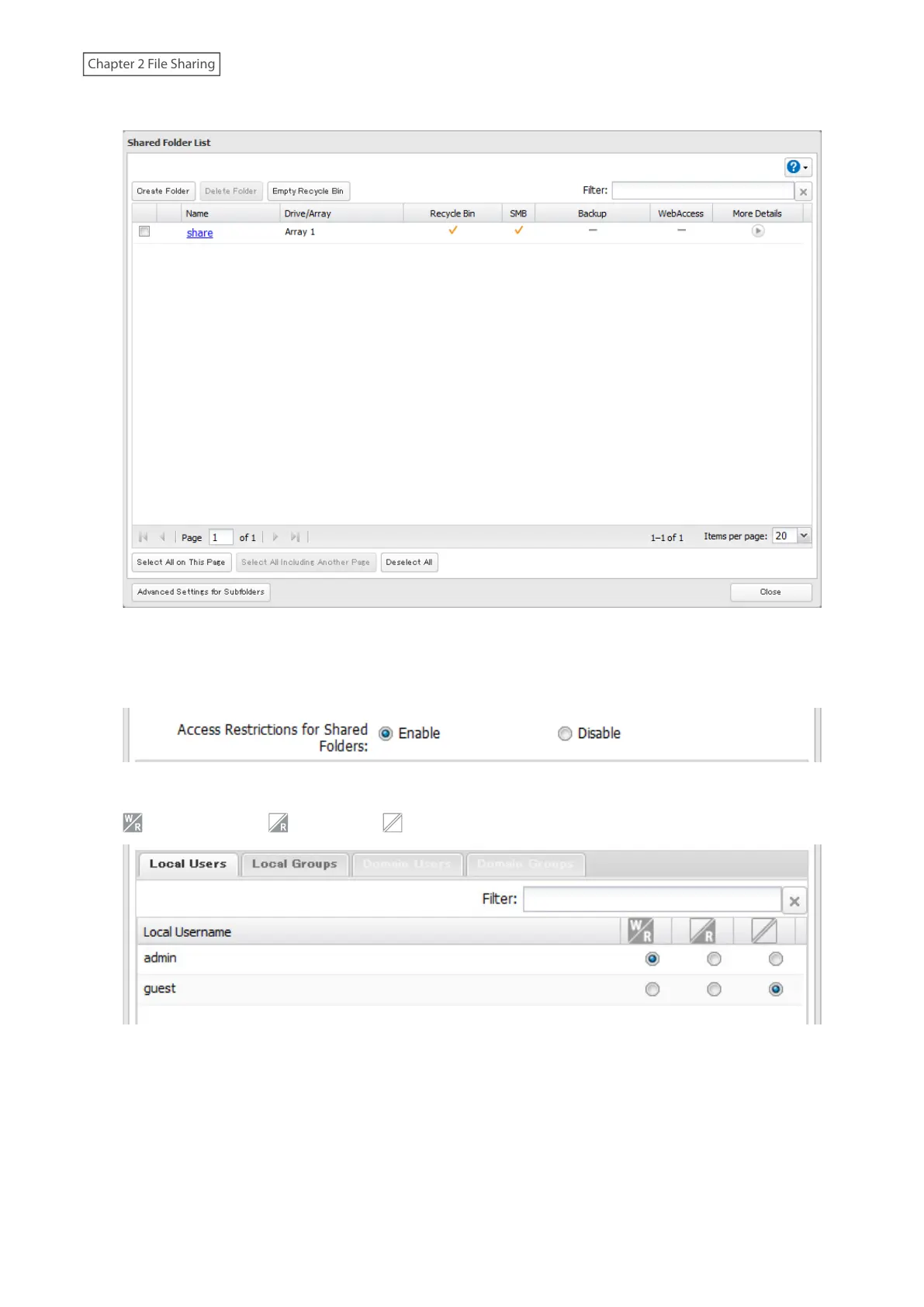
3 Click the shared folder that you want to set access restrictions for.
4 Click the Access Restrictions tab.
5 Enable “Access Restrictions for Shared Folders”.
6 Select the level of access for the user or group.
: Read and write : Read-only : No access
Note: The example above shows access restrictions by users. To restrict access by group, click the Local Groups
tab and select group permissions.
7 Click OK.
36











 To Next Page