24
Section 1 Scanner
®
2000 microEFM
Parameter changes
when LEFT ARROW
button is pressed
Figure 1.8—LCD display of real-time measurements
Note If the instrument is equipped with an explosion-proof switch, the user can manually control the pa-
rameter displayed without removing the instrument cover. See Appendix A—Scanner 2000 Hardware
Options for more information.
Conguring Basic Parameters
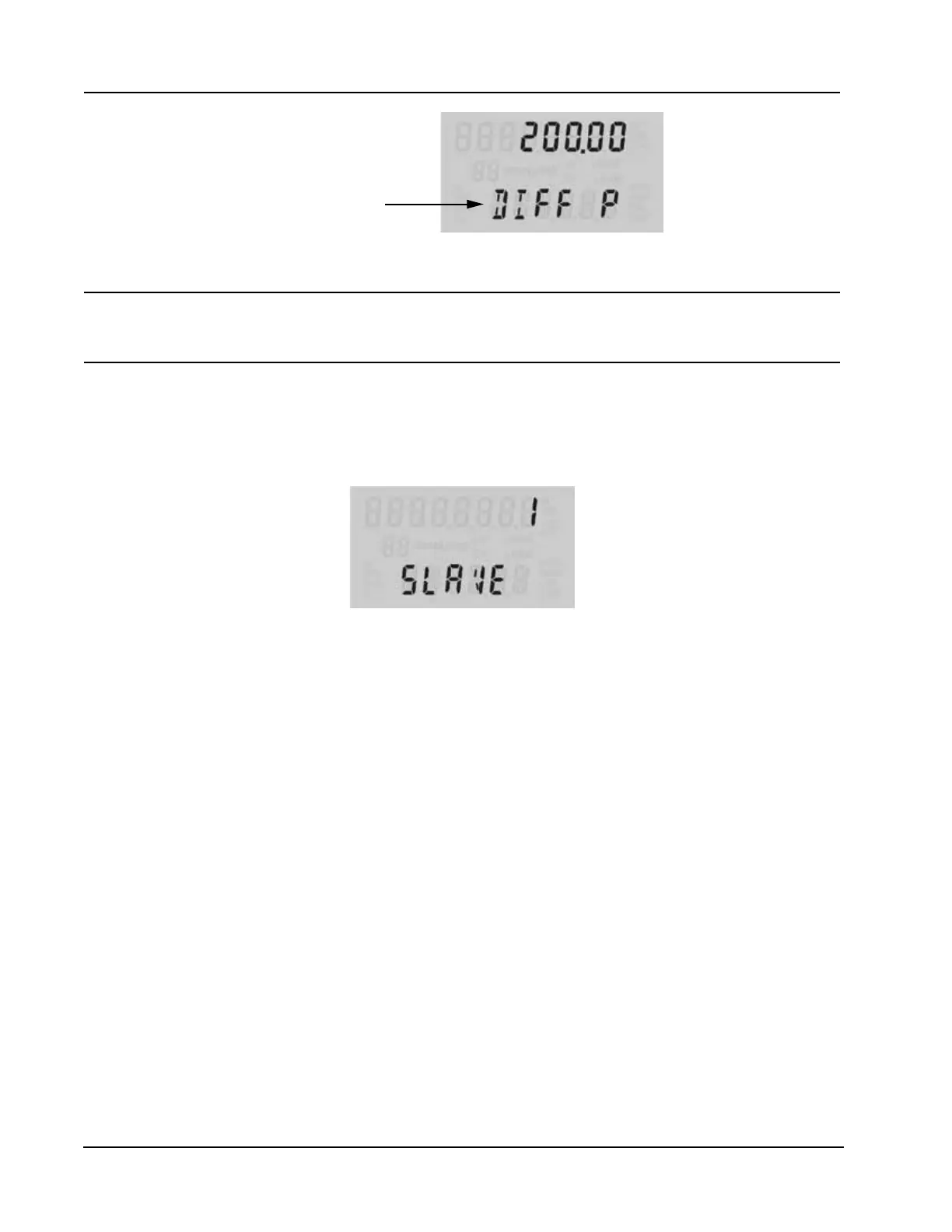
Pressing the UP ARROW and ENTER buttons simultaneously allows the user to enter the conguration mode
(Figure 1.9).
Figure 1.9—In conguration mode, the parameter to be congured is displayed at the bottom of the LCD and
the setting for that parameter is displayed in the top LCD.
In that mode, the user can congure the following parameters without the use of a laptop computer:
• slave address
• baud rate
• date and time
• contract hour
• orice plate size
Step-by-step instructions are provided in Section 4—Conguration and Operation via Keypad. All other
instrument conguration is performed via the ModWorX™ Pro software interface.
Viewing Daily and Hourly Logs
Up to 99 consecutive daily logs can be viewed using the keypad.
Pressing the Log button changes the LCD display mode from normal operation (scrolling) to a daily log view
mode (Figure 1.10). The two-digit ashing number or “log index” on the left side of the LCD represents the
number of days that have passed since the log was saved. The user can increment or decrement the number by
clicking the UP ARROW or DOWN ARROW buttons. For example, “01” will display the last daily log saved.
An index of “05” will display the daily log saved 5 days ago.
By default, the top display shows ow volume, however the user can congure the display to show any of
the 16 parameters available using ModWorX™ Pro software. The bottom display shows the date. The entire



 To Next Page