92
9600 Mobile Computer
Reference Manual
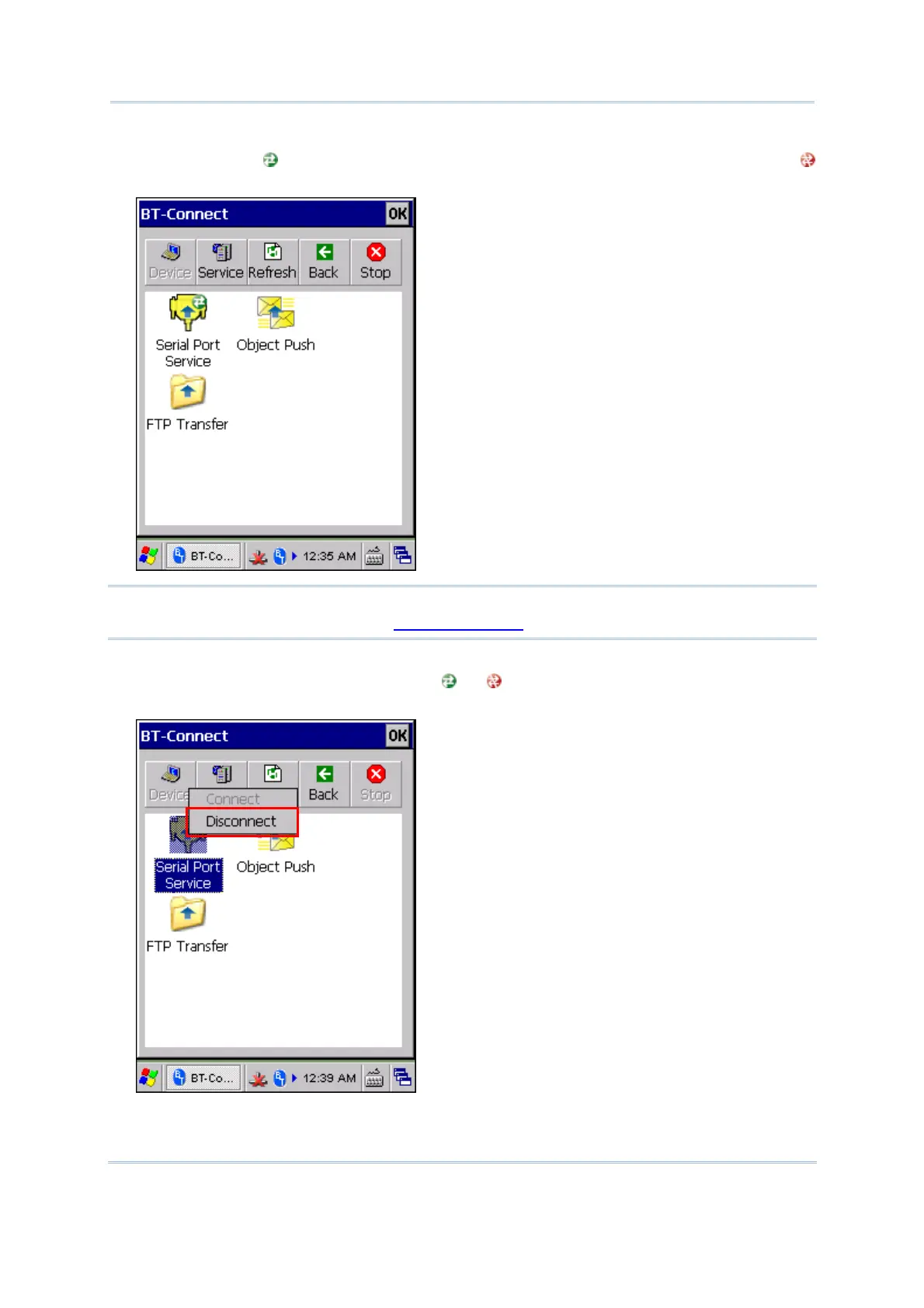
6) Once the connection has been established, the service will be displayed along with a
green indicator
. If a disconnection occurs on the remote device, a red indicator
will be displayed.
Note: The Bluetooth services that you have ever connected or disconnected will all be
kept in BT Manager. Refer to 5.9.2 Preference for details.
7) To end the connection, tap and hold the connected service to select [Disconnect]
from the pop-up menu. The indicator
or will be gone, meaning a disconnection
occurs on the mobile computer.



 To Next Page