115
Chapter 6 Using GSM/GPRS
6.3 PHONE APPLICATION
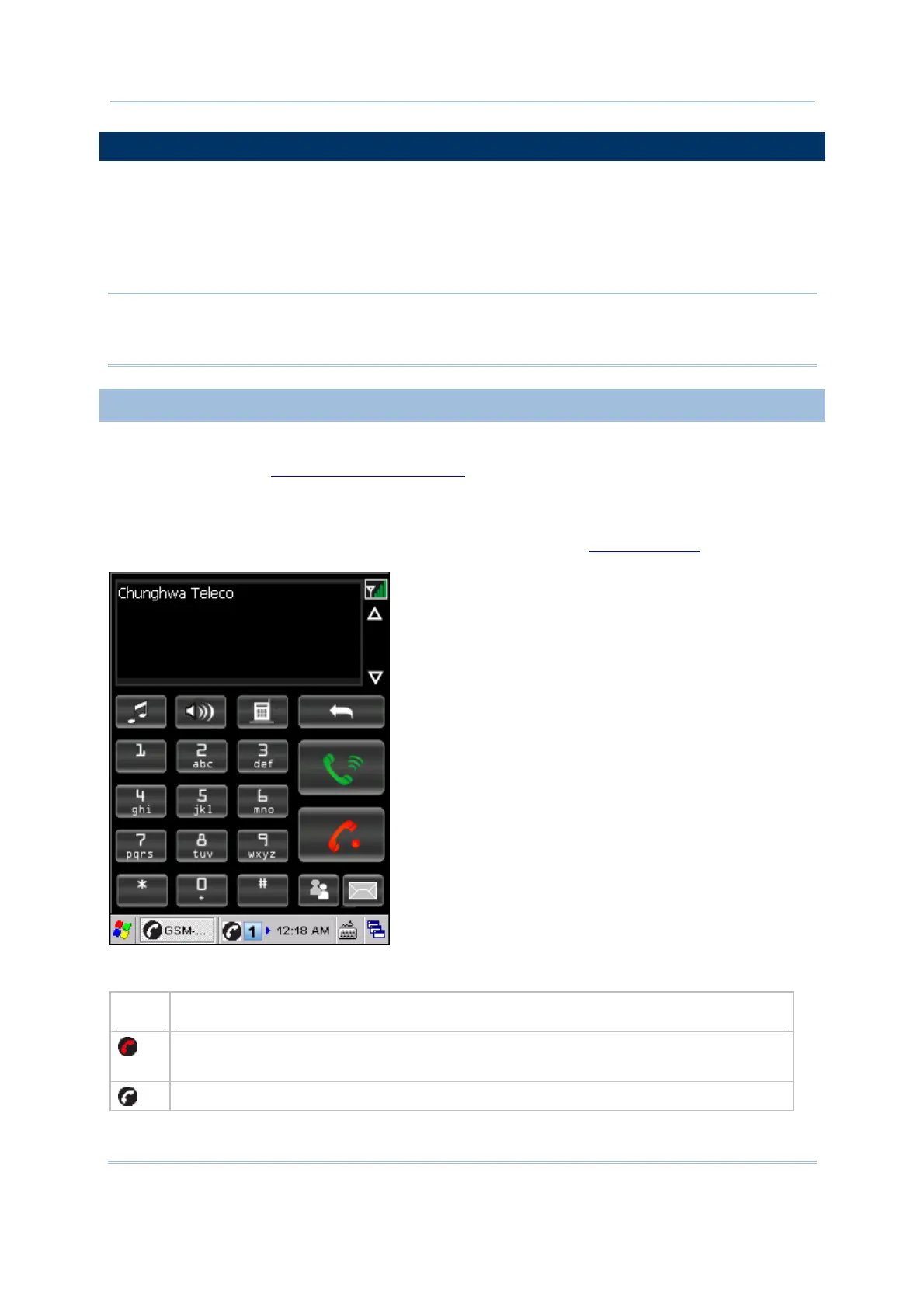
GSM-Connect is a phone dialer application that allows you to –
Make or receive phone calls
Manage your phone book
Assign a Speed Dial number to a contact, 50 numbers are available (1~50)
Note: You are not allowed to make or receive calls via the dialer unless (1) a SIM card is
present, (2) a headset is connected to the headset jack or a Bluetooth headset is
ready (connected to use “Headset Service” via BT-Connect).
6.3.1 CHECKING GSM CONNECTION
If you want it to start GSM service first, change the basic settings in GSM/GPRS
Manager. Refer to
6.4 GSM/GPRS Manager. Upon turning on the GSM/GPRS power, it
takes several seconds to launch GSM-Connect.
If PIN verification is required on your SIM card, tap [OK] to close the message window
and then input PIN code via GSM/GPRS Manager. Refer to
6.4.2 Security.
An associated icon will appear on the taskbar to indicate the GSM connection status.
Icon
Indication
Initializing the GSM/GPRS module
GSM signal is too weak (one-bar) or no signal
GSM-Connect is ready for use



 To Next Page