26
9600 Mobile Computer
Reference Manual
1.3.4 FUNCTION KEY
The function key [Fn] serves as a modifier key, and the functionality of each key
combination is application-dependent.
1) To enable this modifier key, press [Fn] on the keypad. Its icon
will appear on the
status bar.
2) Now press another key on which orange-coded function is printed, to get the value of
key combination (say, press [1] to get the value of F1 on 29-key keypad). The icon
will go off now.
3) To get the value of another key combination modified by the function key, repeat the
above steps.
4) To abort the key modification, press [Fn] again, and the icon will go off.
Note: It is not necessary to hold down the [Fn] key.
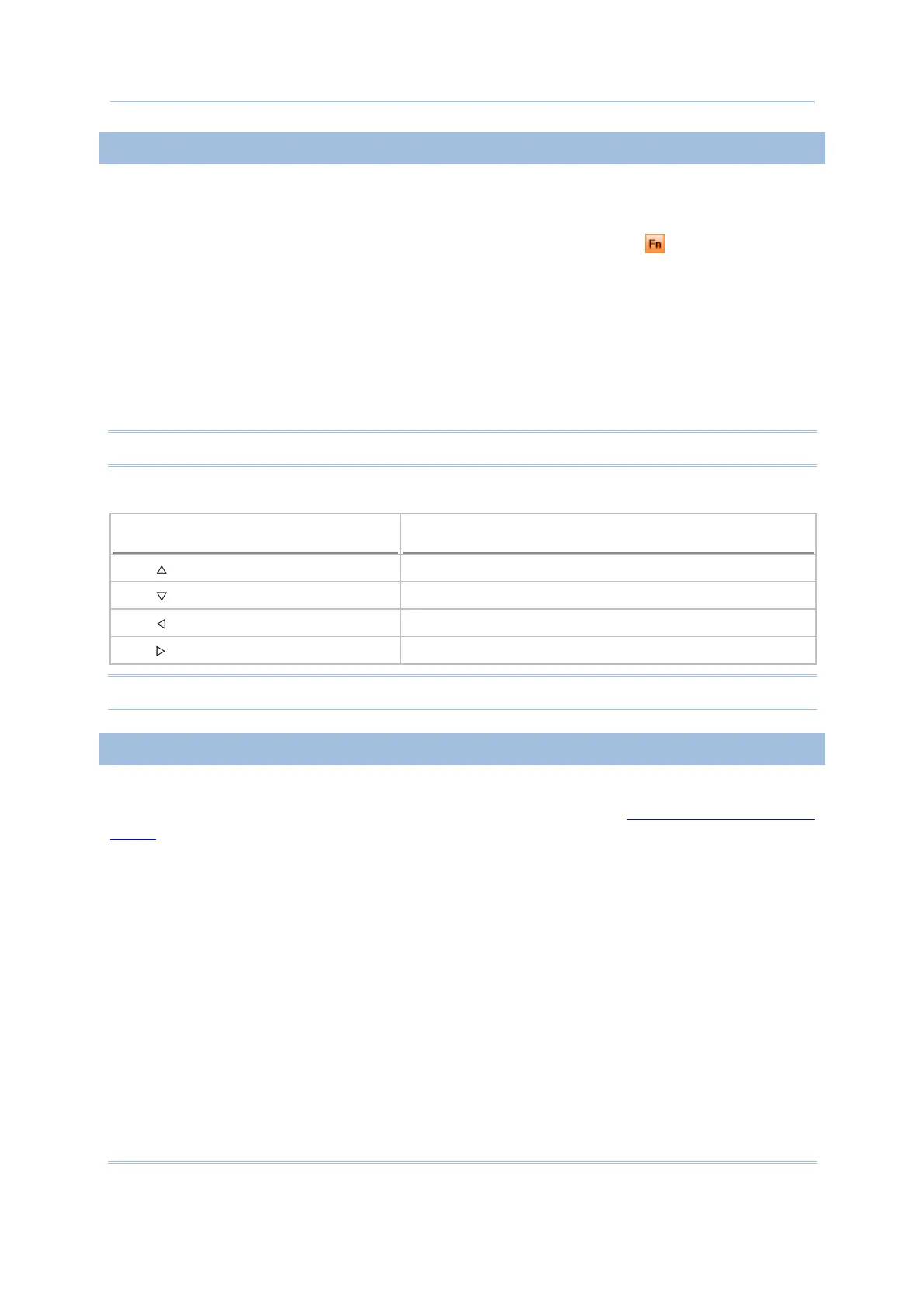
Below is a list of the factory setting for a variety of key combinations.
Key Combination
Action
[Fn], Move text up one screenful (Page Up)
[Fn], Move text down one screenful (Page Down)
[Fn], Move to the beginning of screen or document (Home)
[Fn], Move to the end of screen or document (End)
Note: Press the function key first, and then press the second key for a specific function.
1.3.5 PROGRAMMABLE KEYS
The following keys are user-definable. They can be re-defined as another key or to serve
as a shortcut key for launching a specific program. Refer to
8.2 Button Assignment
Utility
.
SCAN
SEND
END
Two side triggers on each side of the touch screen



 To Next Page