127
Reader Configuration Utility is the tool that lets you manage the barcode and RFID
readers integrated on the mobile computer.
Note: Before executing the utility, make sure you have closed the program
ImageMaker.exe.
IN THIS CHAPTER
7.1 Run ReaderConfig.exe ...............................................127
7.2 Barcode Reader Settings............................................129
7.3 RFID Reader Settings ................................................130
7.4 RFID Security...........................................................133
7.5 Data Output.............................................................134
7.6 Notifications (for Good Read)......................................136
7.7 Symbology Settings ..................................................137
7.1 RUN READERCONFIG.EXE
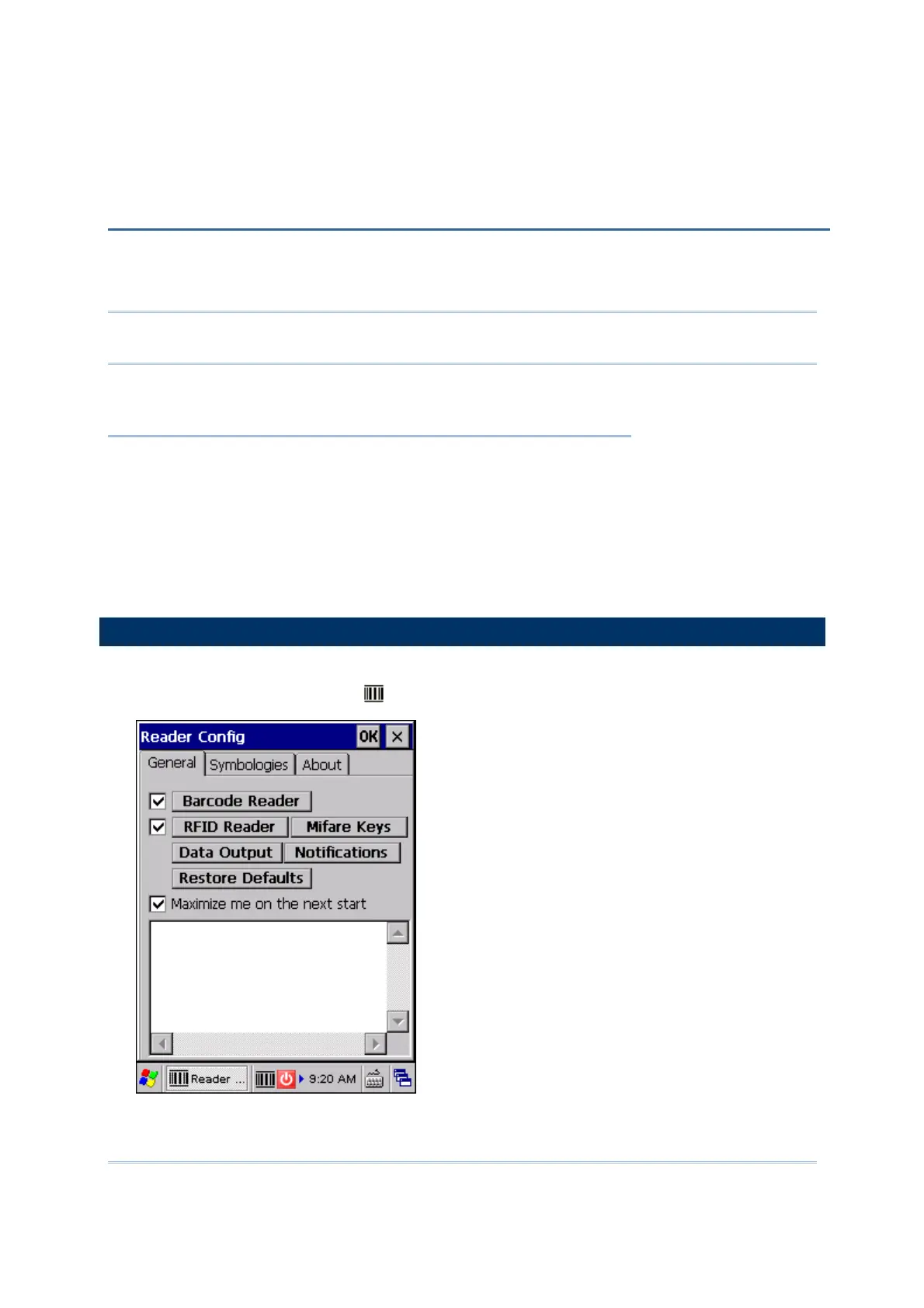
1) Go to Start | Programs | ReaderConfig to open the Reader Configuration
Utility. The associated icon
will appear on the taskbar.
Chapter 7
USING READER CONFIGURATION UTILITY



 To Next Page