149
Chapter 8 More Applications
8.4 IMAGE CAPTURE UTILITY
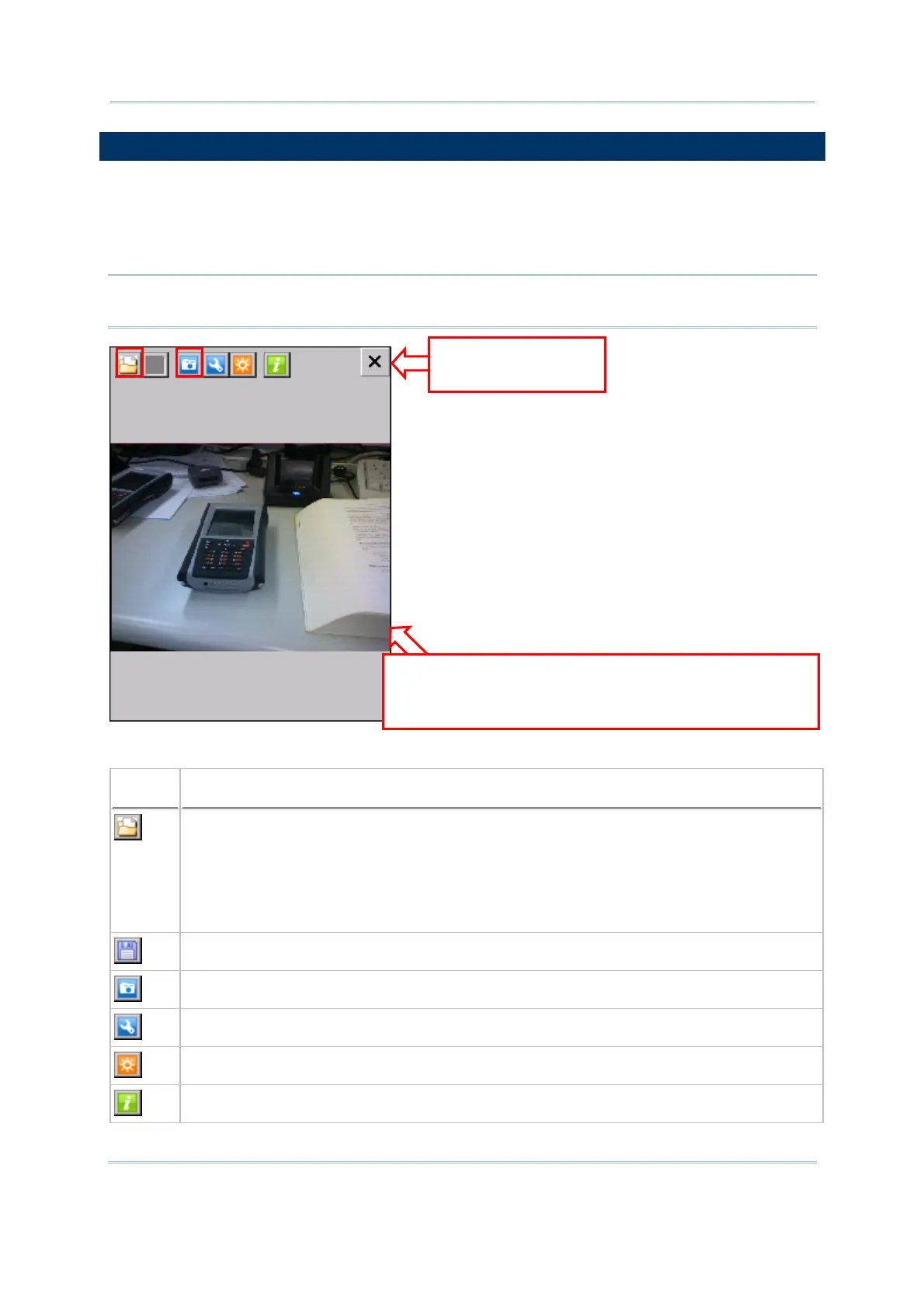
The ImageMaker utility allows acquiring images from the built-in camera and viewing
images stored on the mobile computer. Go to Start | Programs | ImageMaker to open
the image capture program. Upon execution of the program, it takes approximately 3
seconds to turn on the camera.
Note: Before executing the utility, make sure you have closed the program
ReaderConfig.exe.
The icons on the toolbar, from left to right, are for these functions —
Button
Description
Open an image. Any existing file in the following formats can be viewed —
JPEG
Bitmap
PNG
GIF
Save the opened image to a different file name or format.
Take a picture.
Configure camera settings if necessary.
Turn on/off the auxiliary LED light in preview mode.
Version information about the program.
a
Exit and turn off
the camera.
Workspace
a) to display an image by opening the file
b) to capture an image in preview mode
b



 To Next Page