133
Chapter 7
Using Reader Configuration Utility
7.4 RFID SECURITY
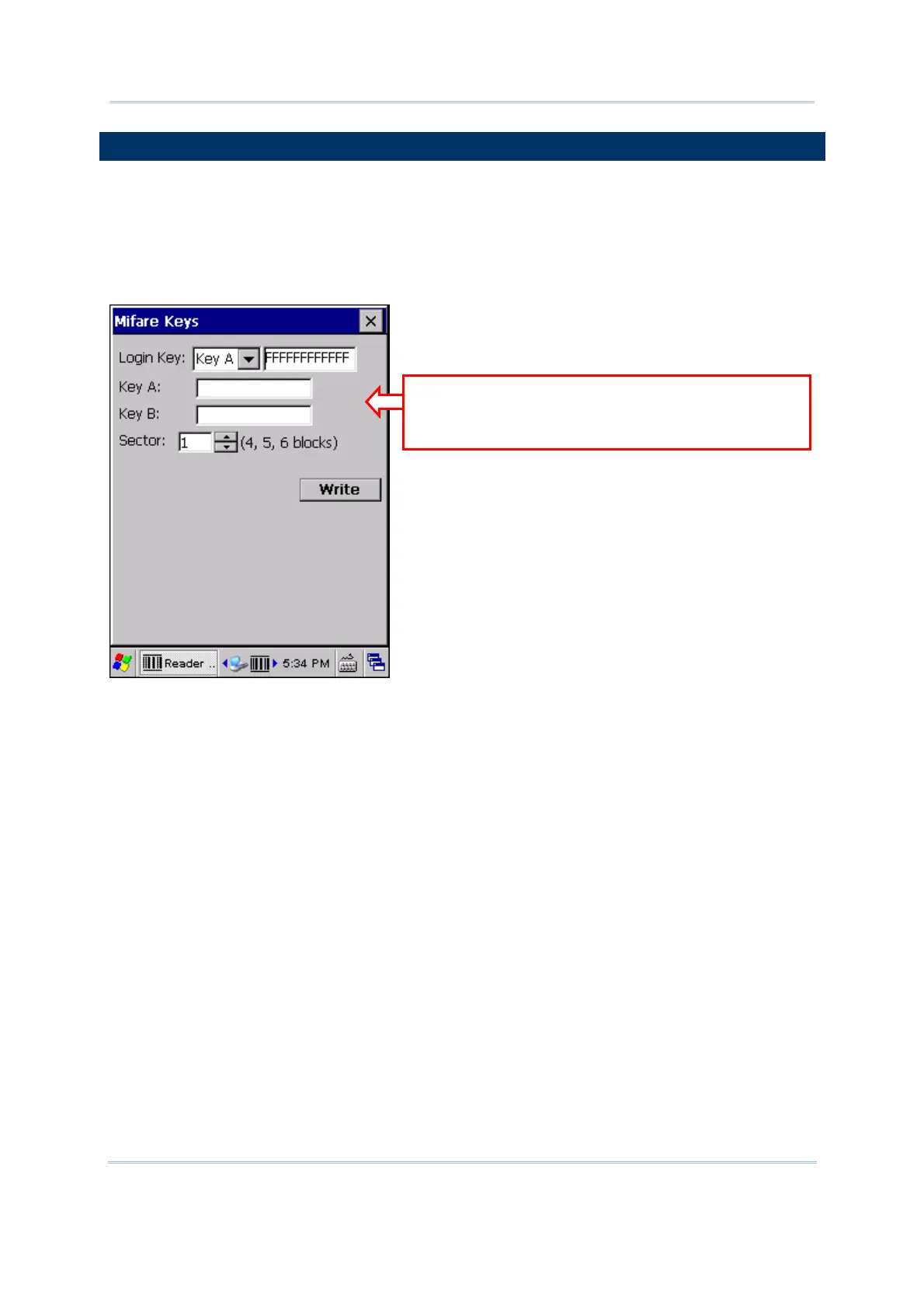
You may change the security key, Key A and/or Key B, used to access a Mifare tag. In
order to change the key or keys, you must provide correct login key first.
By default, it is set to use “FFFFFFFFFFFF” for a new Mifare tag, regardless of Key A or
Key B.
Specify strings for Key A and Key B. It must be a hex string with 12 bytes length.
Type your Key A and Key B. If no change is
made, you still need to provide the key
string currently in use.



 To Next Page