41
Chapter 2
Learning Windows CE Basics
2.2 MANAGING PROGRAMS
2.2.1 QUICK LAUNCH A PROGRAM
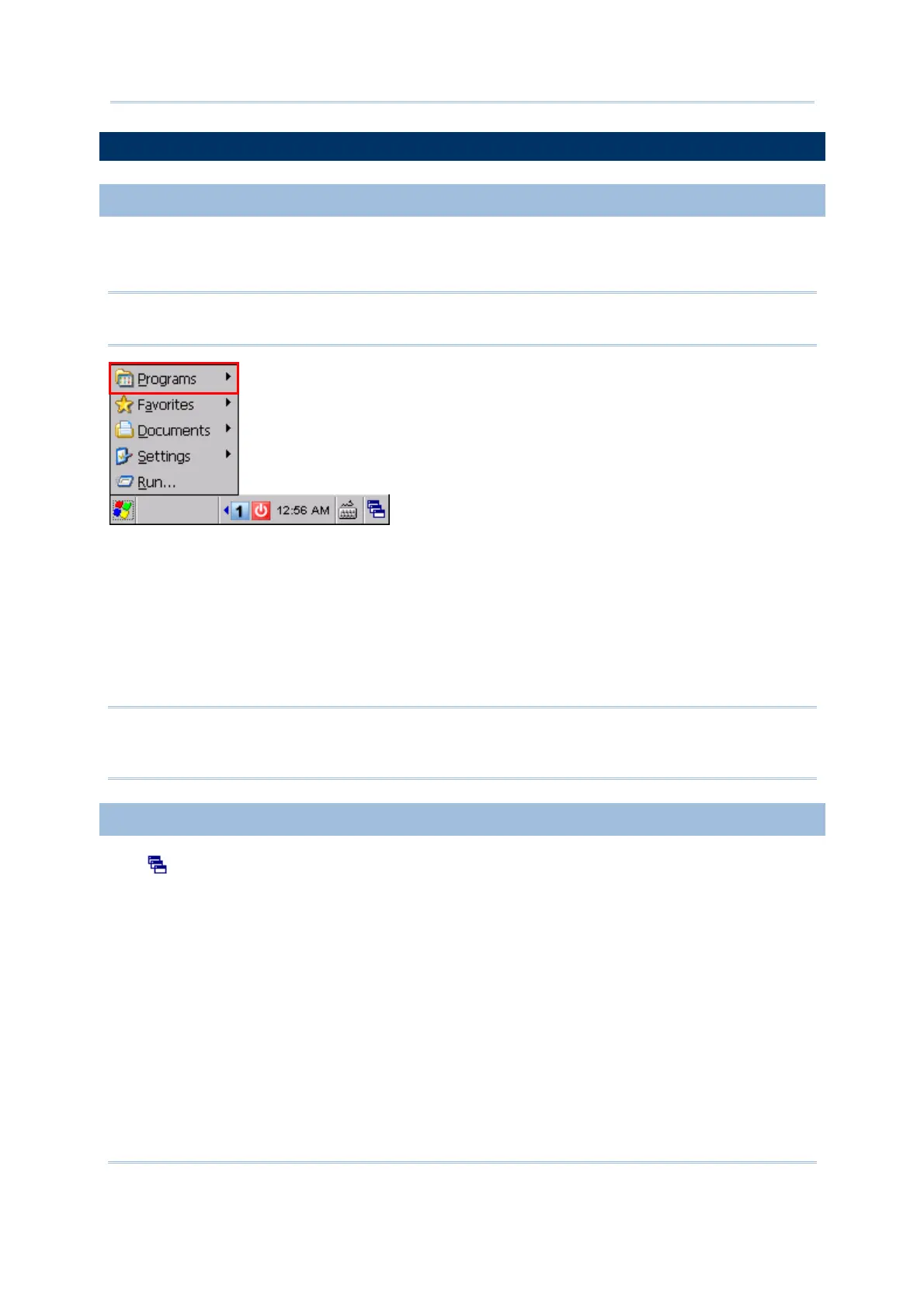
Tap the Start button to view the Start Menu. To quick launch a program, tap it from the
Programs folder.
Note: Alternatively, you may tap Start and select Run to run a specific program or open
a document.
If you wish to quick launch a new program, add it to the Programs folder: My
Device\Windows\Programs. The program will become available in the Start Menu.
To add a new program or subfolder to the Programs folder, you can either use Windows
Explorer or ActiveSync.
Windows Explorer: to move the program by [Copy] and [Paste Shortcut].
ActiveSync on the desktop computer: to create a shortcut to the program, and place
the shortcut in the Programs folder.
Warning: To avoid making any changes to the program configurations by accident,
we recommend you to use [Copy] and [Paste Shortcut] rather than [Cut]
and [Paste].
2.2.2 SWITCH AMONG PROGRAMS AND DESKTOP
Tap to the right of the taskbar and select a running program.



 To Next Page