156
9600 Mobile Computer
Reference Manual
8.5.3 EPHEMERIS UPDATE SETTINGS
After initial setup, the ephemeris information stored on the mobile computer is valid for
seven days according to the system date and time. You may acquire the most updated
ephemeris data on a regular basis, which can improve start-up times.
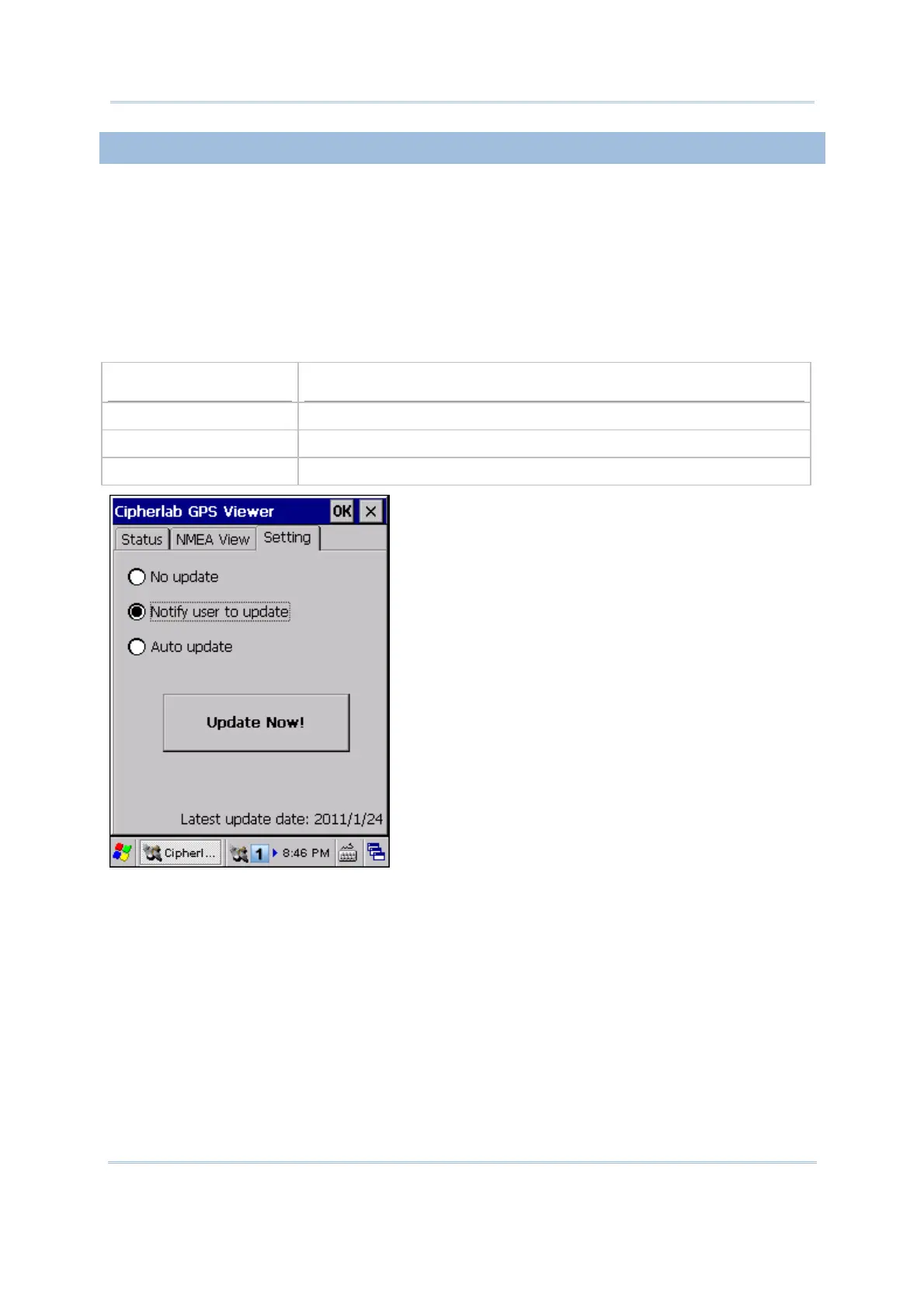
Choose how you want to update ephemeris data when the program is executed. The date
of last update will be displayed at the bottom of the screen, which is used as a check
point for the program to send notifications or automatically update data once a week.
However, despite these options, you may tap [Update Now!] to update ephemeris at any
time.
Options
Description
No update Will not notify the user to update or automatically update ephemeris
Notify user to update Will show a message to notify the user to update ephemeris
Auto update Will update ephemeris automatically



 To Next Page