25
Chapter 1
Using 9600 Mobile Computer
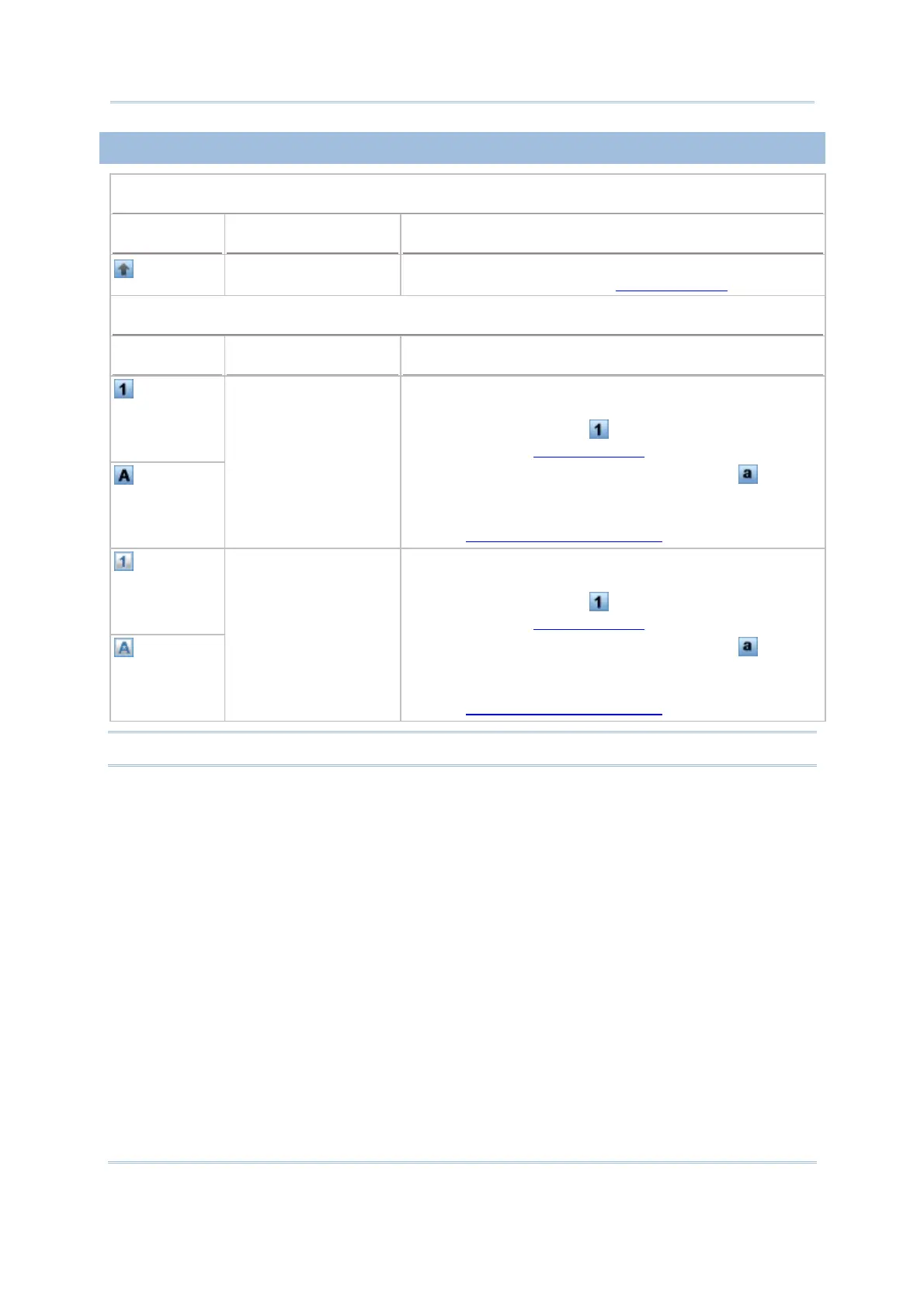
1.3.3 SHIFT KEY
29-key Operation
Status Icon Shift Key Input Mode
Press [©] one time
The Shift key modifies the next key pressed; it will result
in different symbols. Refer to Use of Shift (©).
Qwerty Operation
Status Icon Shift Key Input Mode
Press [
] one time The Shift key modifies the next key pressed. Depending
on the input mode,
(1) In numeric mode (
), it will result in different
symbols. Refer to
Use of Shift ().
(2) In alpha (lower-case alphabetic) mode (
), it will
produce a single upper-case letter.
For example, input letters “ABC”, it will produce “Abc”.
Refer to
Use of Alpha (α) & Shift ().
Press [
] two times
(enter Shift Lock Mode)
If you are in Shift Lock Mode, all keys send their shifted
values when pressed alone. Depending on the input mode,
(1) In numeric mode ( ), it will result in different
symbols. Refer to
Use of Shift ().
(2) In alpha (lower-case alphabetic) mode (
), it will
produce all upper-case letters (= Caps Lock).
For example, input letters “ABC”, it will produce “ABC”.
Refer to Use of Alpha (α) & Shift ().
Note: It is not necessary to hold down the [Shift] key.



 To Next Page