102
9600 Mobile Computer
Reference Manual
5.7.2 PREFERRED SERVICES
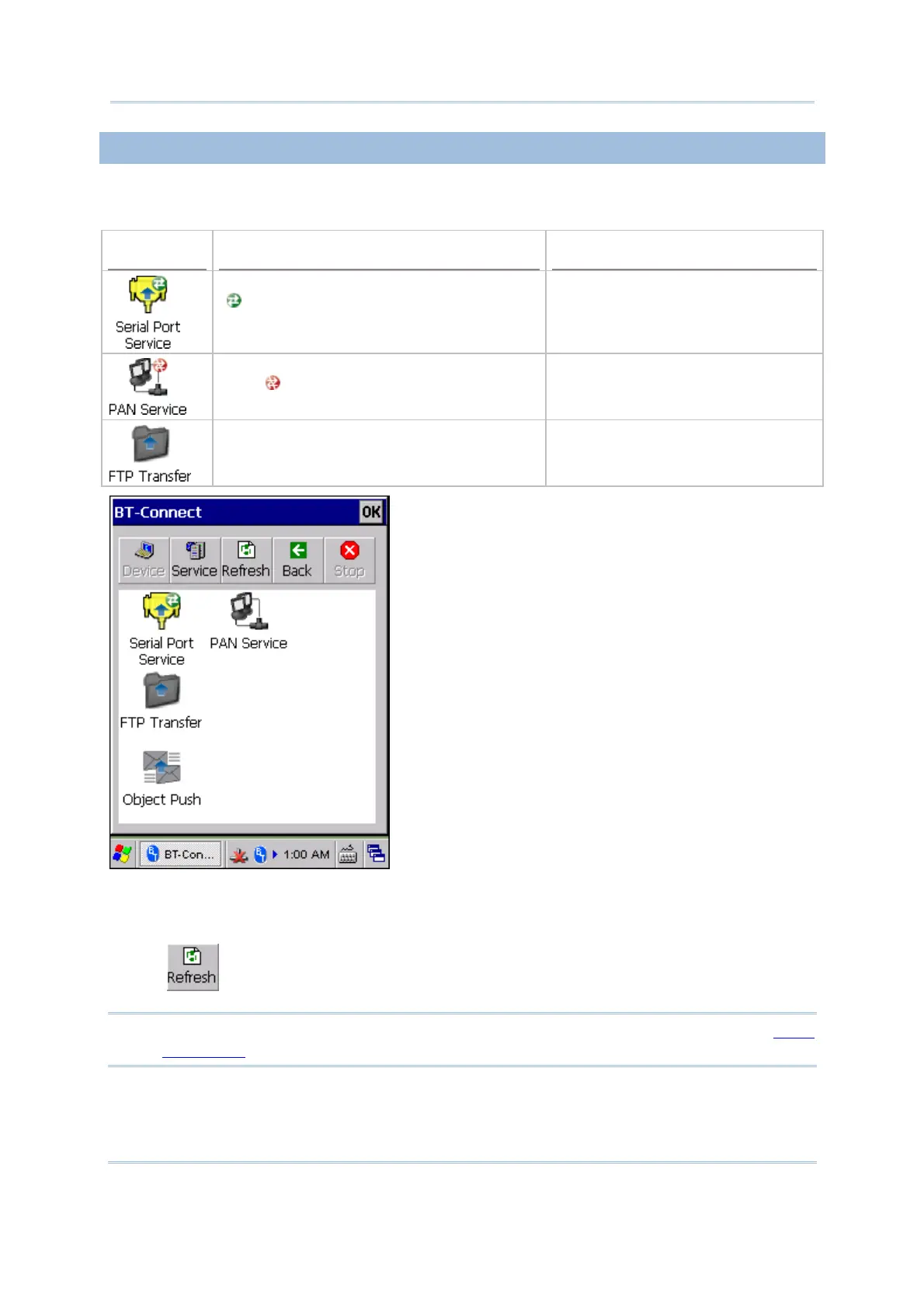
Double-tap the preferred device to view the Bluetooth service(s) you have connected/
disconnected last time.
Example
Service Status Connection Settings in BT-Manager
The service is successfully re-connected
(
).
Last Connection = “Y” (on the
Preference tab)
The service is unable to be re-connected
with ( ). That is, disconnection occurs on
the remote device.
Last Connection = “Y” (on the
Preference tab)
The service is not allowed to be
re-connected with.
Last Connection = “N” (on the
Preference tab)
Tap and hold a preferred service and select [Disconnect] or [Connect] from the pop-up
menu.
Or tap
to find out more services belong to this device.
Note: You can select to re-connect to a specific service or services. Refer to
5.9.2
Preference to configure connection settings for the service(s).



 To Next Page