150
9600 Mobile Computer
Reference Manual
8.4.1 VIEWING A PICTURE
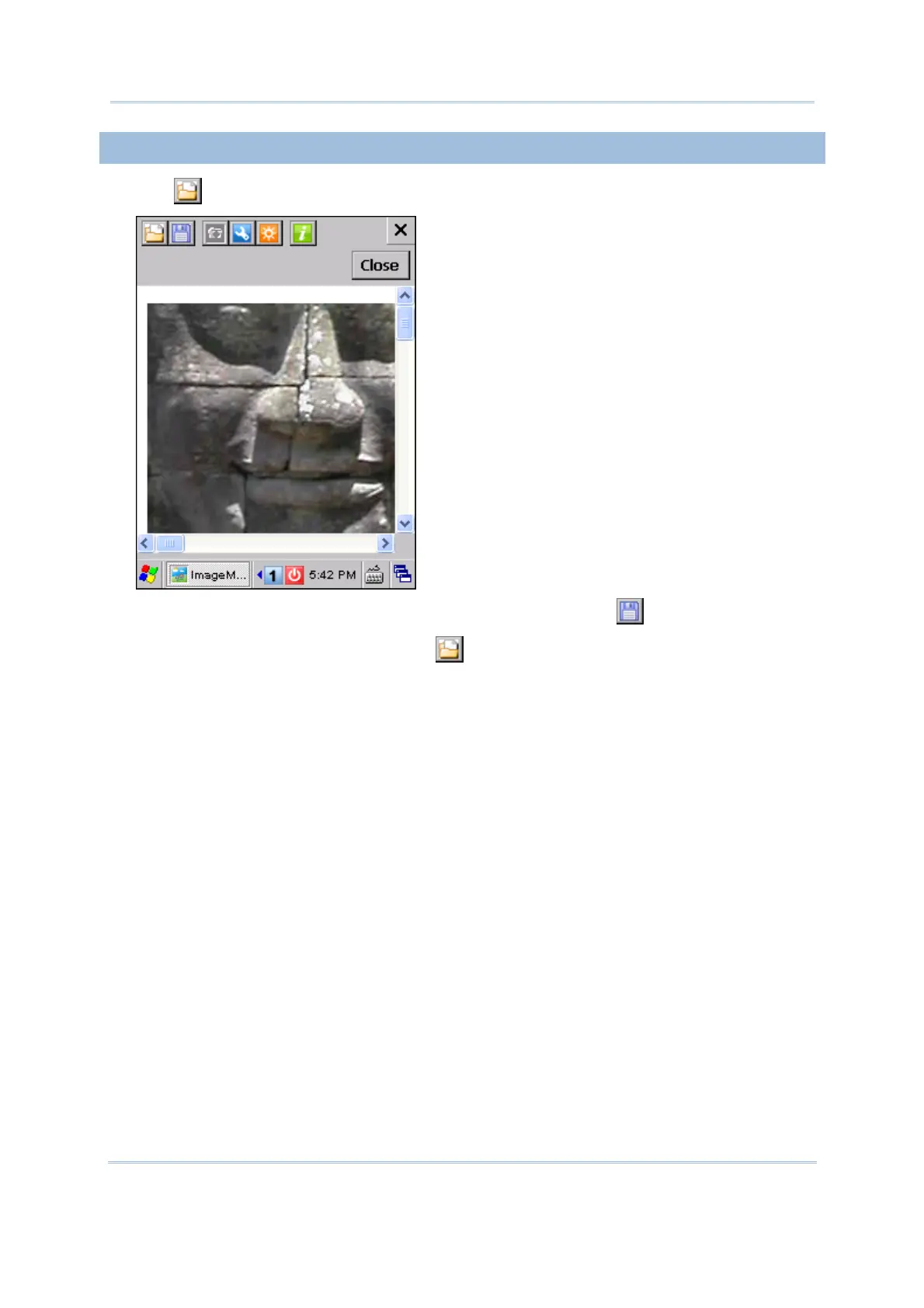
1) Tap to open an image file and it will be displayed.
2) If you want to rename it or save it to a different format, tap
.
If this is not the image you need, tap
to open another image file.
3) Tap [Close] to return to the Camera Preview Mode for taking pictures.



 To Next Page