40
9600 Mobile Computer
Reference Manual
2.1.4 INPUT METHODS
Data entry can be performed by the following methods:
Physical Keypad
Type with the physical keypad.
Data Capture
Scan barcode or RFID tag in applications, e.g. WordPad, CipherLab's FORGE Application
Generator, etc.
Software Keypad
Type or write using SIP (Soft Input Panel):
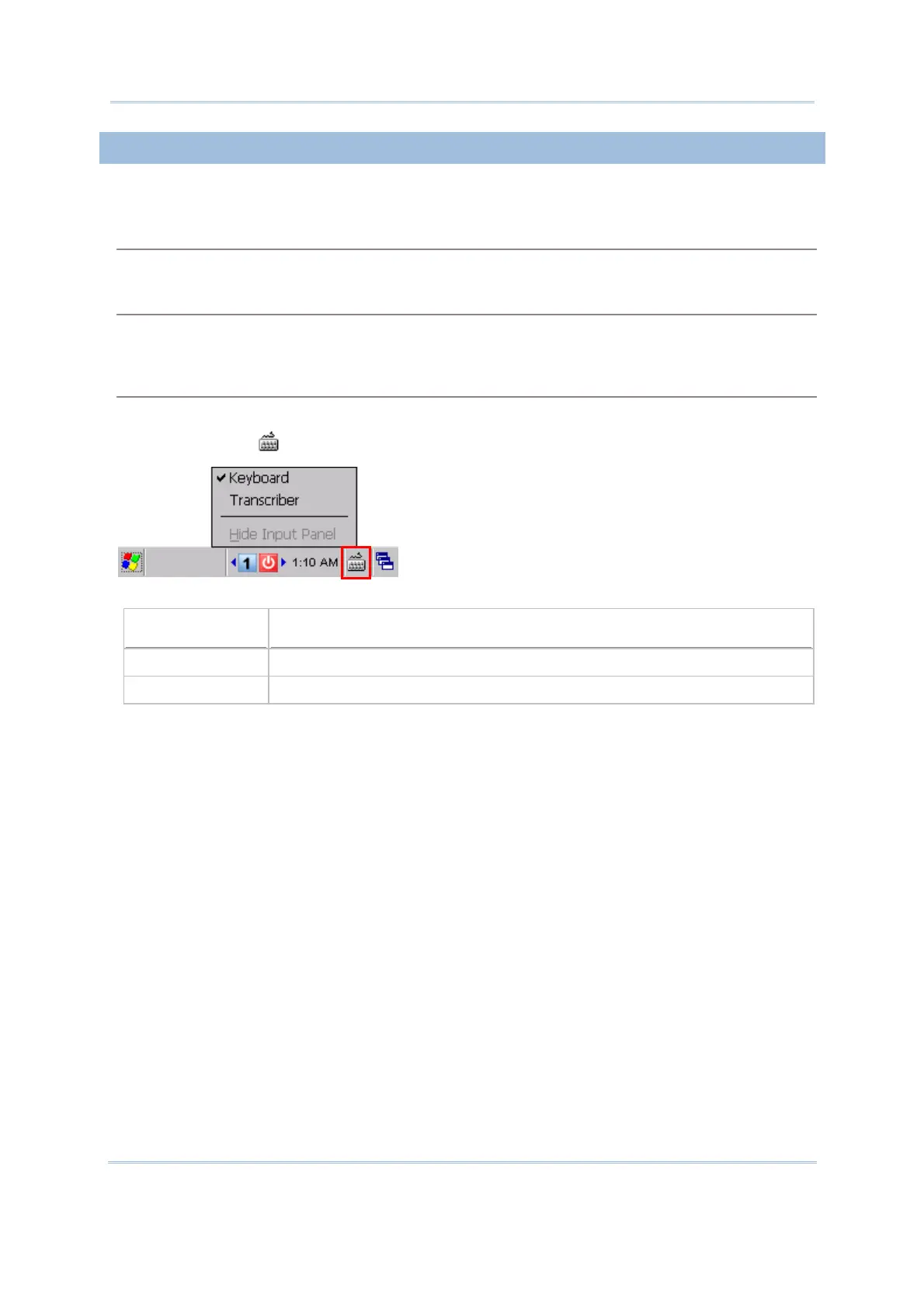
Tap the SIP button
on the taskbar to select a SIP mode or hide the input panel.
In each mode, the characters appear as typed text on the screen.
Options Description
Keyboard To type using the virtual keyboard.
Transcriber To write freely on the screen in applications, such as WordPad.



 To Next Page