97
Chapter 5 Using Bluetooth
5.6 SERIAL PORT SERVICE
5.6.1 SERIAL PORT SERVICE
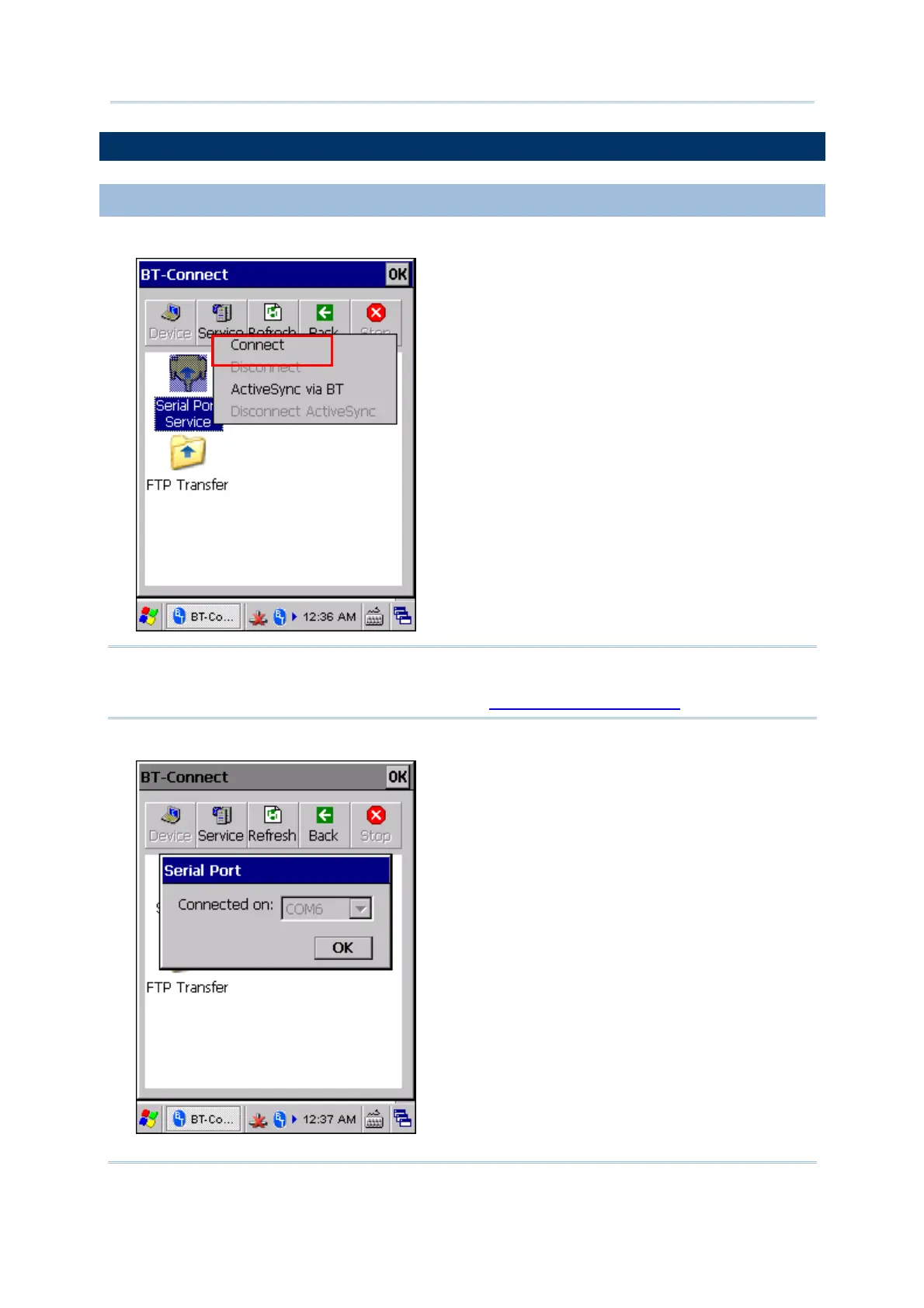
1) Tap and hold the Serial Port Service.
Note: BT-Connect allows using the virtual COM port one at a time. Outgoing port is
unavailable when incoming port is in use for local SPP service. You must unload
the local SPP service first. Please refer to
5.8.3 Serial Port Service.
2) Select [Connect] (and COM 6 is in use).



 To Next Page