136
9600 Mobile Computer
Reference Manual
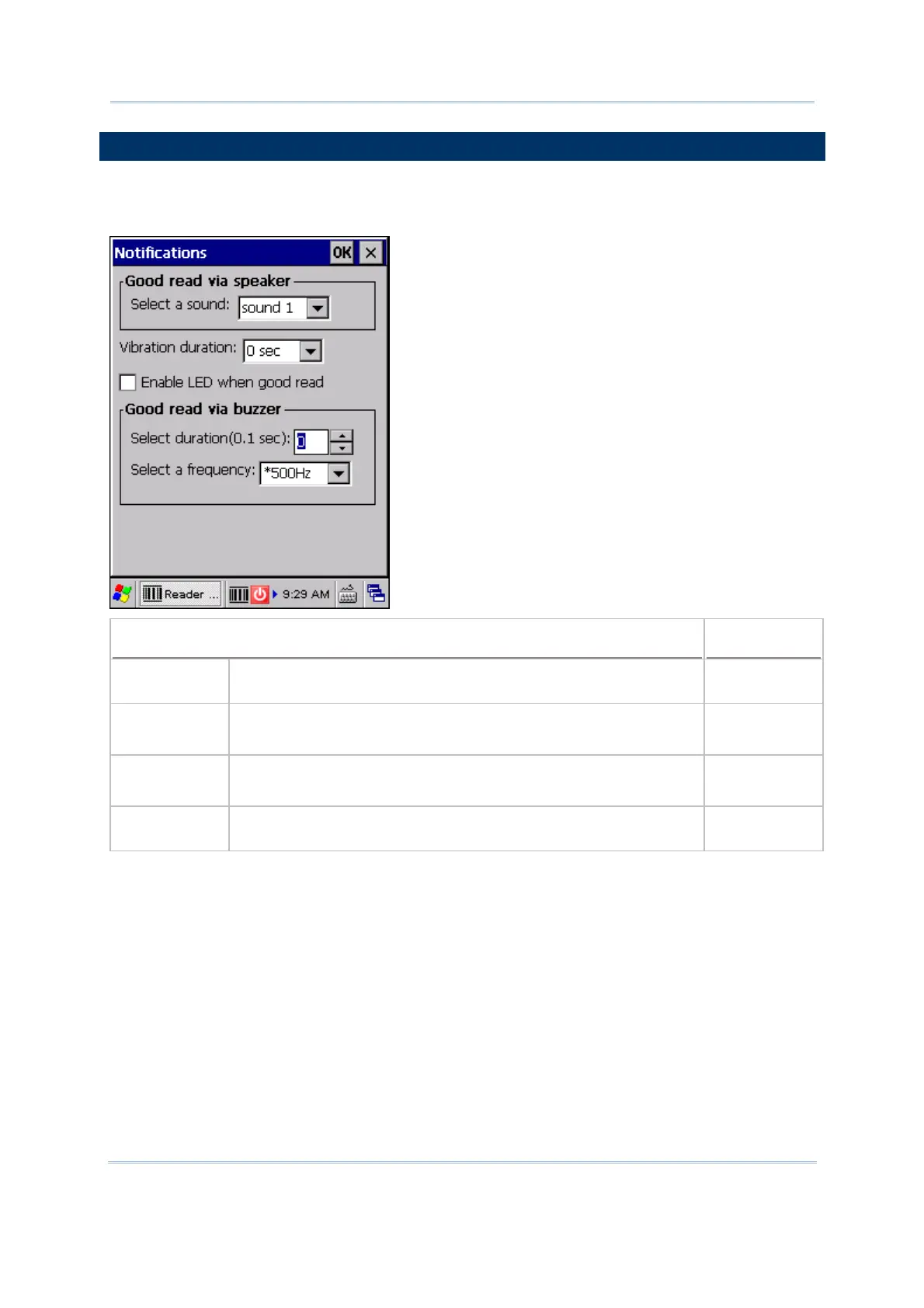
7.6 NOTIFICATIONS (FOR GOOD READ)
Tap the [Notifications] button on the General tab to configure how you want to be
notified of a successful decoding.
Sound / Vibration
Default
Good Read via
speaker
Mute, or Sound 1~9 Sound 1
Good Read via
buzzer
Specify frequency and duration
Duration 0~255 (0.1 sec.); 0 = Disable the buzzer
0 (= Disable)
Good Read via
vibrator
0~5.0 (sec.)
0 = Disable the vibrator
0 (= Disable)
Good Read LED Select the check box to enable Good Read LED. The LED will
become green to indicate a successful decoding.
Disable



 To Next Page