148
9600 Mobile Computer
Reference Manual
8.3 SCREEN CONTROL
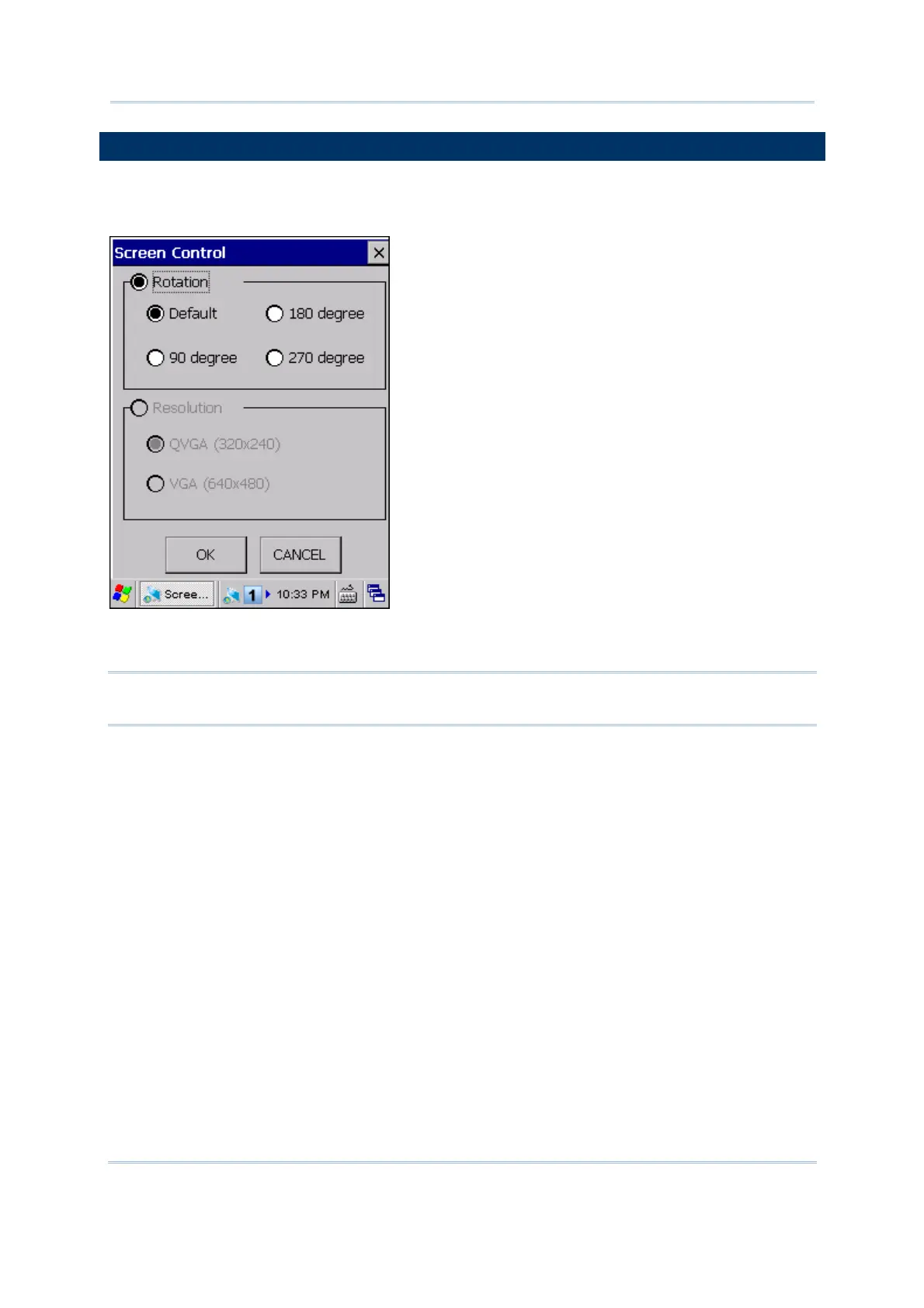
Screen Control lets you change the orientation of the screen. Go to Start | Programs |
ScreenControl to open the Screen Control utility.
You can change the screen orientation from portrait at zero degrees (default) to 90,
180, and 270 degrees.
Note: The mobile computer comes with VGA (640 by 480 pixels) will not support
Resolution Switch function.



 To Next Page