36
9600 Mobile Computer
Reference Manual
2.1.1 DESKTOP
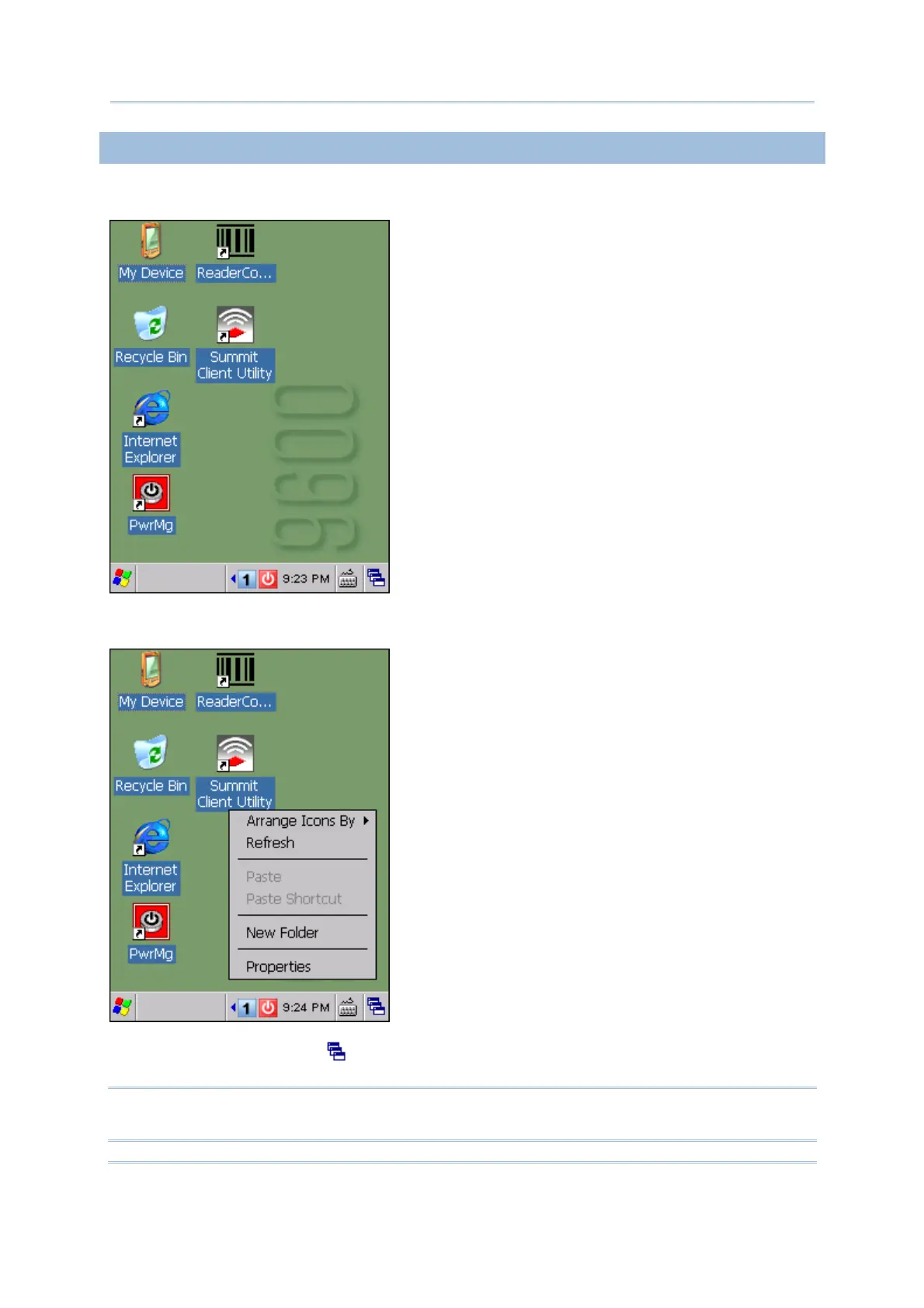
The desktop appears when the mobile computer is turned on.
Tap and hold anywhere blank on the screen to manage or configure the desktop.
Alternatively, you may tap
to the right of the taskbar, and then select Desktop.
Note: To customize the desktop, tap anywhere blank on the desktop and select
Properties.



 To Next Page