23
Chapter 1
Using 9600 Mobile Computer
1.3.1 KEYPAD SETTINGS
Go to Start | Settings | Control Panel and double-tap the Keyboard icon.
The Character Repeat functionality is enabled by default. You may cancel the check box
on the Repeat tab to disable it. When enabled, tap, hold, and drag the slider for a desired
Repeat Delay and Repeat Rate.
The LED backlight of keypad is turned off by default. It is suggested to turn on the
keypad backlight while working in a dark area; however, using backlight while on battery
power will substantially reduce battery power.
29-key Operation
Press to toggle it from off to on, and vice versa.
Qwerty Operation
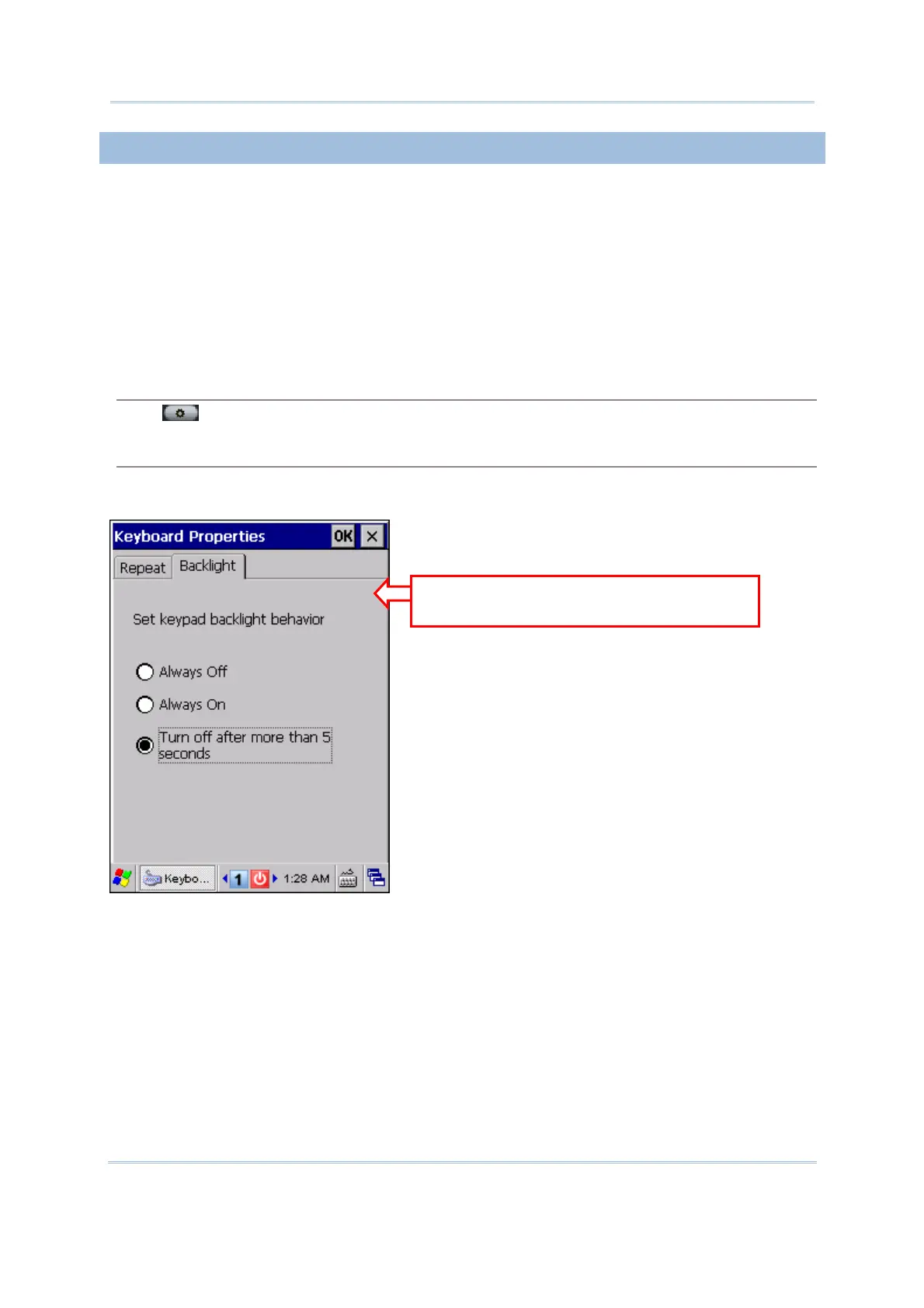
It is set to be automatically turned on for 5 seconds when any key is pressed. You may have the
keypad backlight always turned off/on on the Backlight tab.
Ignore the Backlight tab when using
a 29-key keypad.



 To Next Page