17
Chapter 1
Using 9600 Mobile Computer
1.1.2 POWER MANAGEMENT
For any portable device, power management is a critical issue especially when you are on
the road. Below are some tips to help you save battery power.
Warning: Using backlight, wireless connectivity, and peripherals while on battery
power will substantially reduce battery power.
Bring a second battery pack on the road.
Stop wireless connectivity, Bluetooth, 802.11b/g or GSM/GPRS that is not in use.
Go to Start | Settings | Control Panel and double-tap the Display icon. Refer to
1.4.1 Adjusting the Backlight.
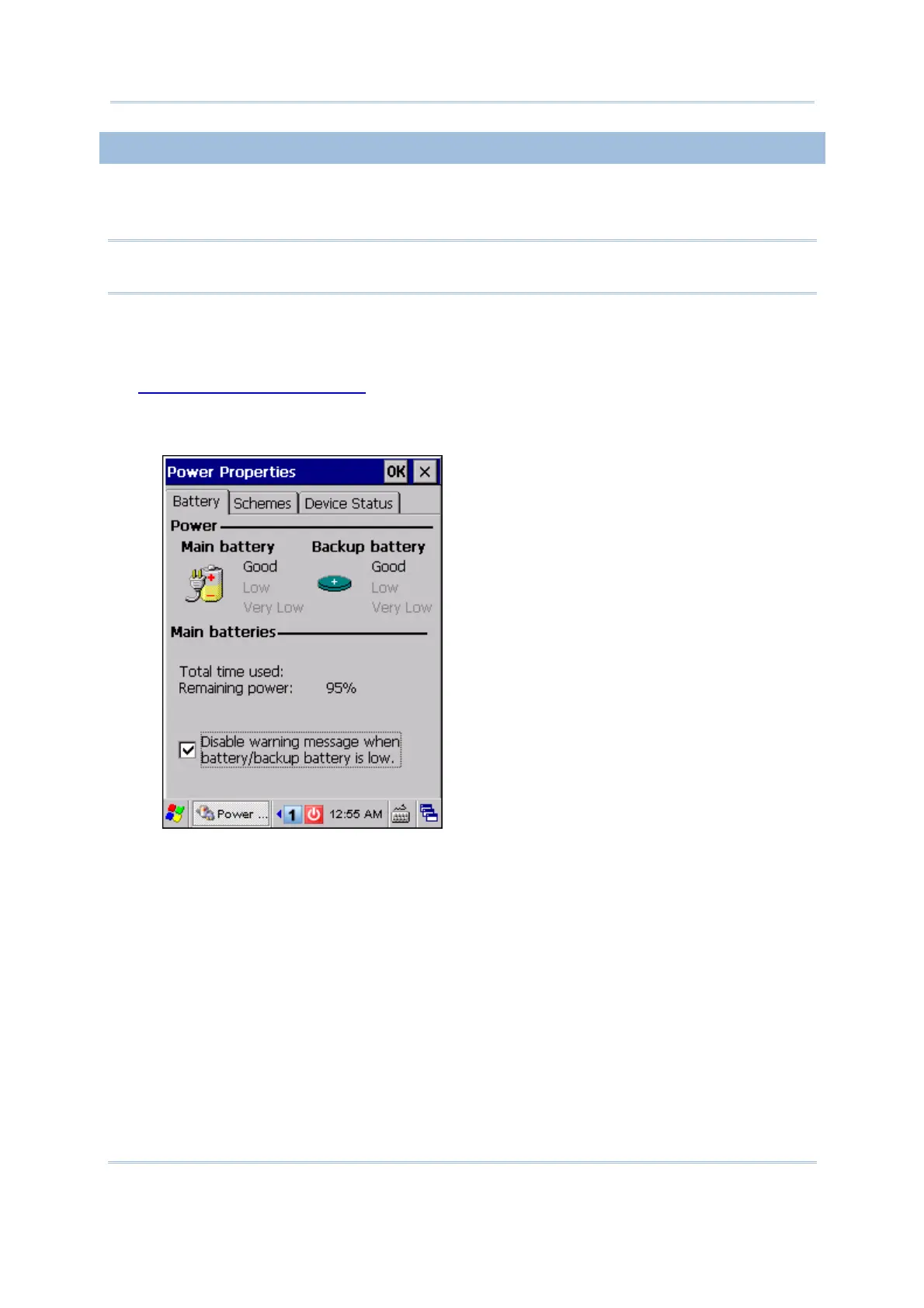
Go to Start | Settings | Control Panel and double-tap the Power icon.
1. In the Battery tab, you can always monitor the charging status.
If you want to be notified of when charging is required, cancel the check box so
that a warning message will be displayed when the main battery or backup battery
is low.



 To Next Page