142
9600 Mobile Computer
Reference Manual
8.1.3 BACKING UP FILES
1) Select the items you wish to backup, and tap [Backup].
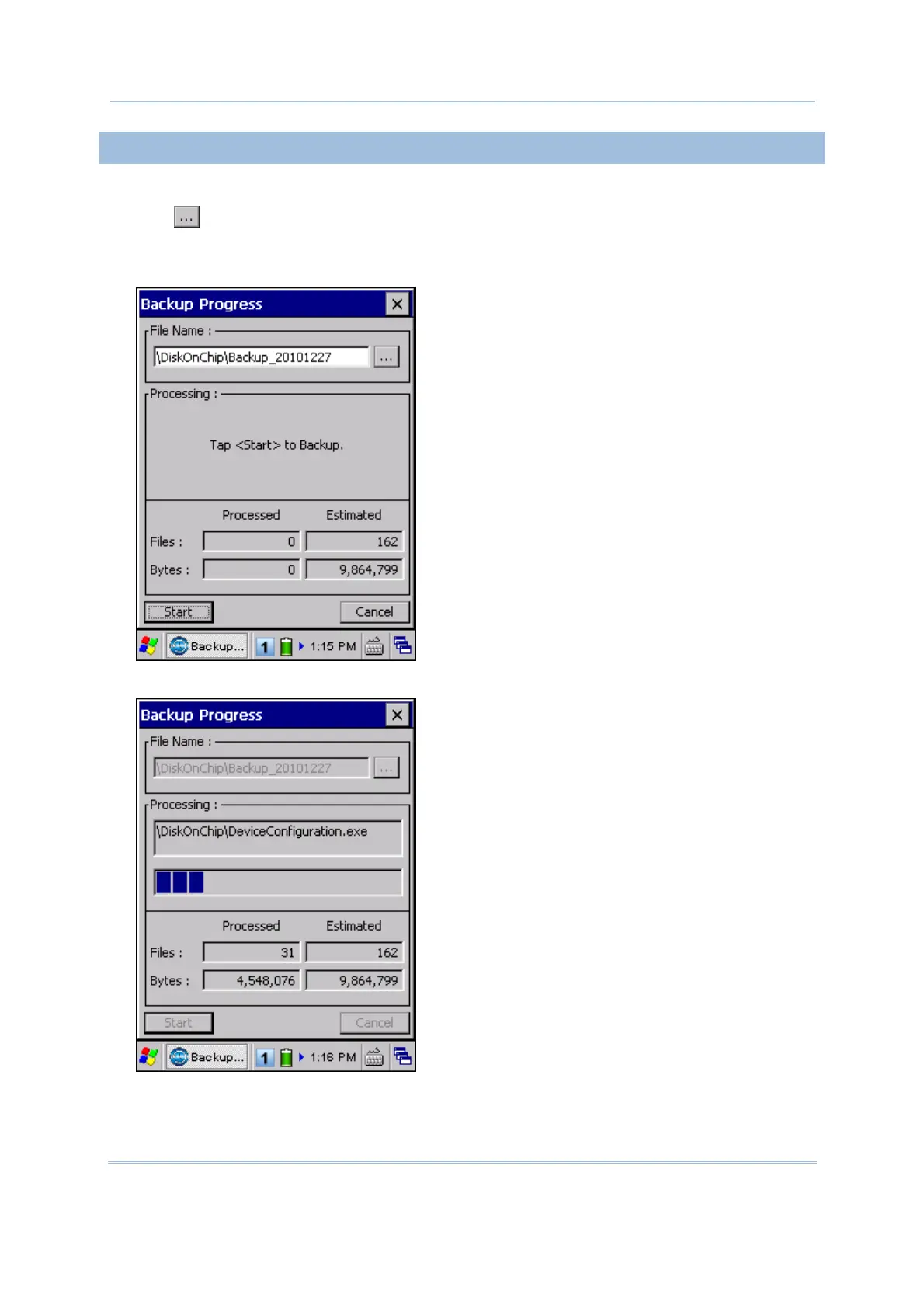
2) Tap
if you need to save the backup to a different directory or file name (.bkp).
By default, it will save the selected items to the DiskOnChip folder by the current date
- the format of filename is "Backup_(4-digit year)(2-digit month)(2-digit date)".
3) Tap [Start] to pack all the selected items into one .bkp file.
4) Once the backup process is completed, tap [Report] to view the log file if necessary.



 To Next Page