110
9600 Mobile Computer
Reference Manual
5.9.3 BT-CONNECT
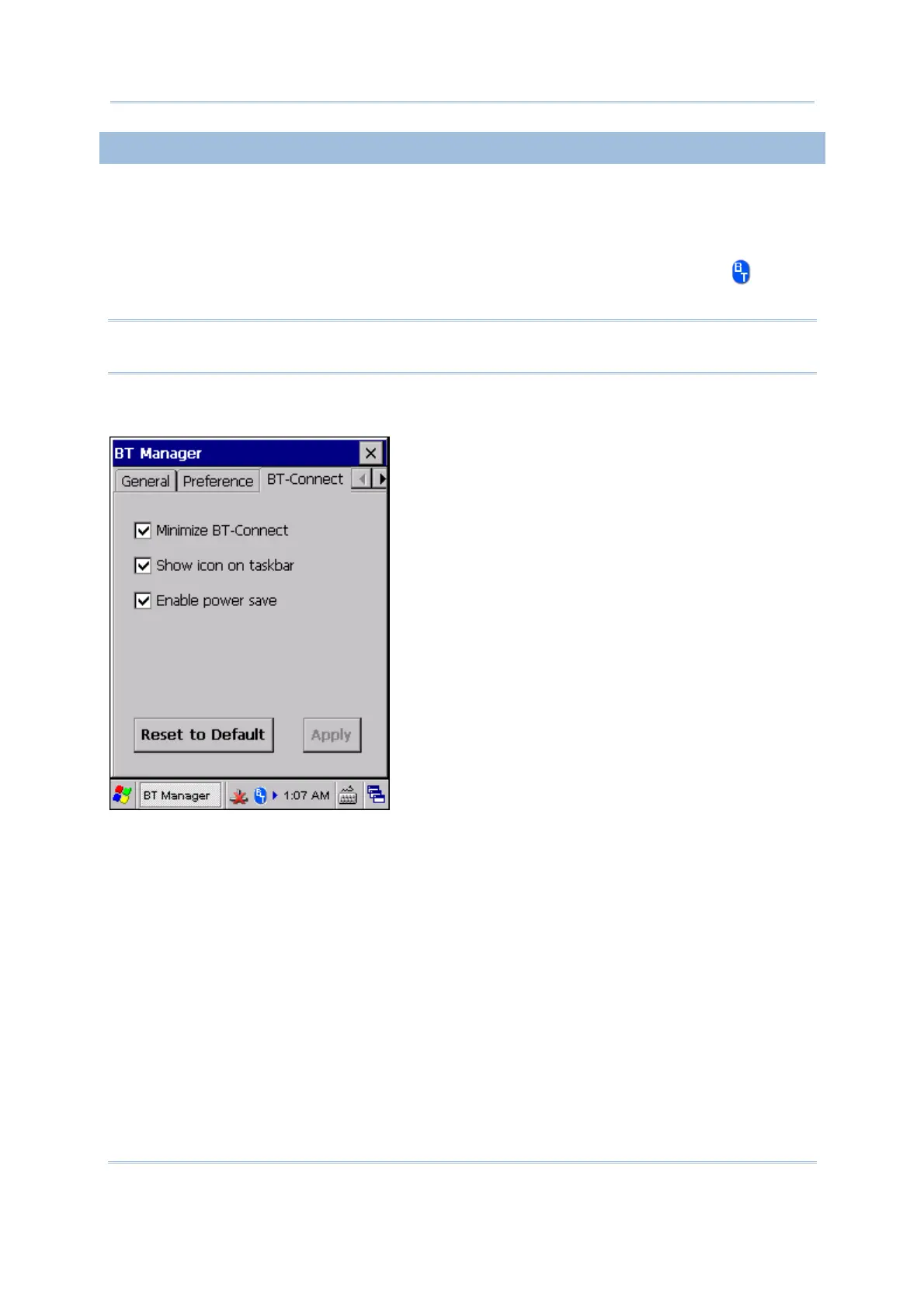
On the BT-Connect tab, you may configure the settings for BT-Connect.
Minimize BT-Connect: Decide whether to minimize the BT-Connect window when it is
launched to provide Bluetooth services.
Show icon on taskbar: Decide whether to show the BT-Connect icon on the
taskbar.
Note: To be able to use the Bluetooth services at any time, we suggest keeping the icon
on the taskbar for access.
Enable power save: Decide whether to maintain the Bluetooth connection in a low
power consumption mode until a profile becomes active. (= enter Sniff Mode).
Tap [Apply] to save the current settings, or tap [Reset to Default] to restore defaults.



 To Next Page