137
Chapter 7
Using Reader Configuration Utility
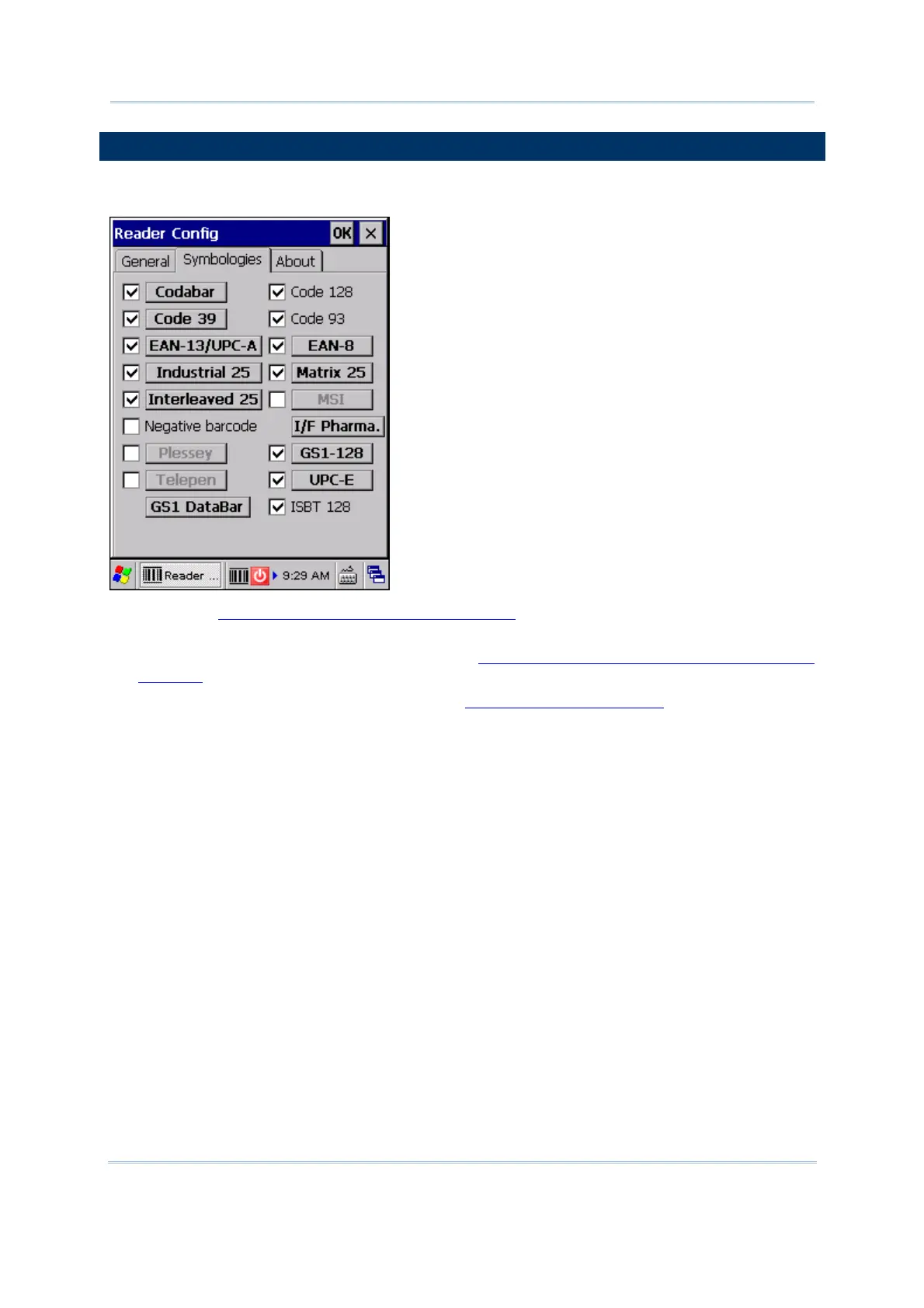
7.7 SYMBOLOGY SETTINGS
For barcode settings, tap the Symbologies tab.
Refer to Appendix I - Scan Engine Settings for the symbologies or RFID tags
supported by a scan engine.
Refer to the Symbology Settings Table in Appendix II - Linear Imager (CCD), Laser
(SE950)
.
Refer to the Symbology Settings Table in Appendix III - 2D Imager.



 To Next Page