114
9600 Mobile Computer
Reference Manual
6.2.2 USING GSM-CONNECT DURING A GPRS SESSION
While you are browsing the Internet or anywhere away from the GSM-Connect window,
you may press [SEND] or [END] from the keypad to restore the minimized window from
the taskbar for phone dialer application. Refer to
6.3 Phone Application.
If a phone call comes in during a GPRS session, the GSM-Connect window will be
automatically maximized. You may tap the buttons on the screen, or press [SEND] or
[END] from the keypad to answer or reject the call. Refer to
6.3.2 Buttons.
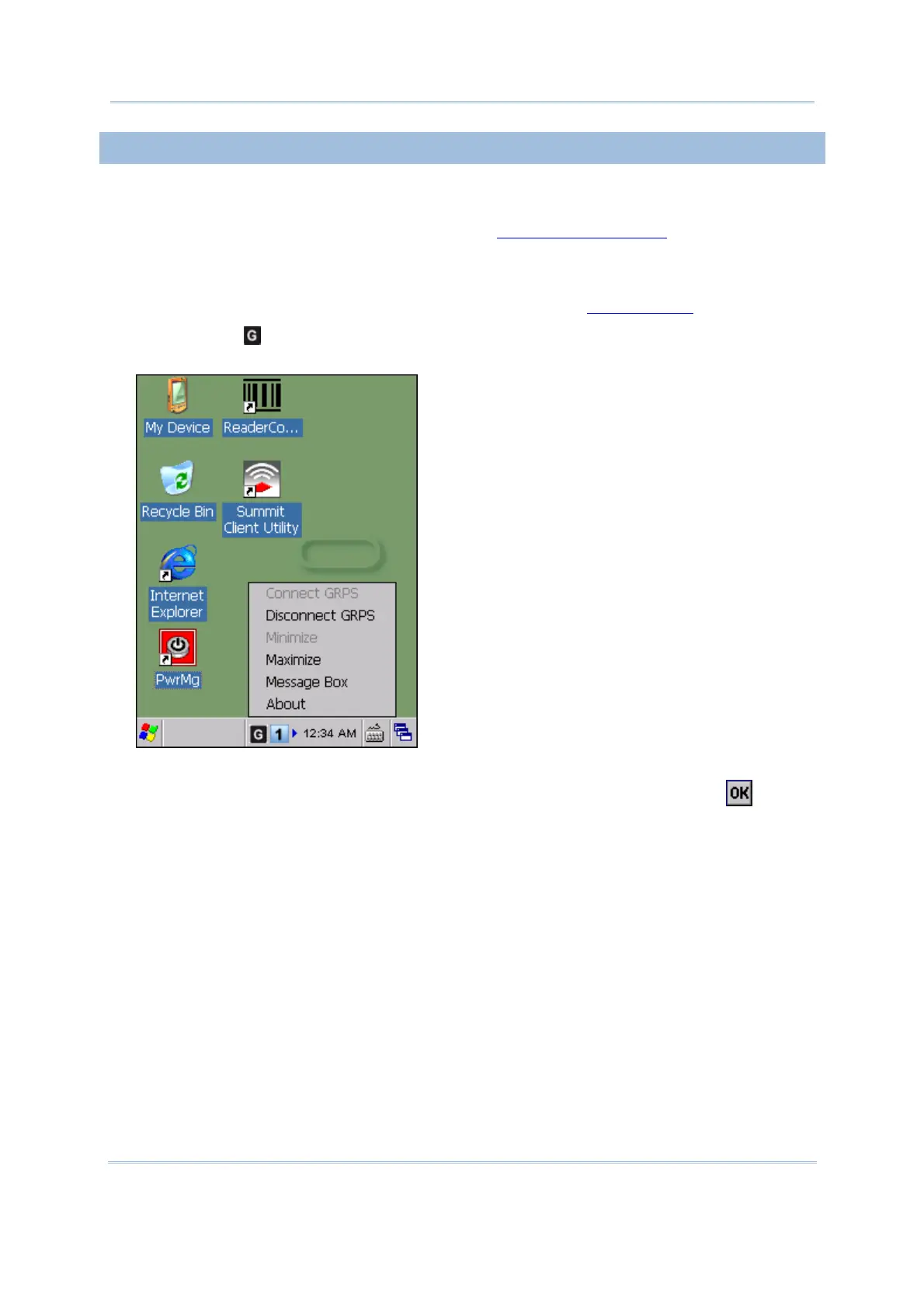
Tap the icon to access the menu that allows you to choose to connect/disconnect
GPRS, minimize/maximize the GSM-Connect window or enter Message Box.
To exit the application, turn off GSM/GPRS power through Power Management.
Alternatively, you may press [ESC] on the physical keypad and then tap
to exit
GSM-Connect.



 To Next Page