68
9600 Mobile Computer
Reference Manual
4.2.2 PROFILE EDITING
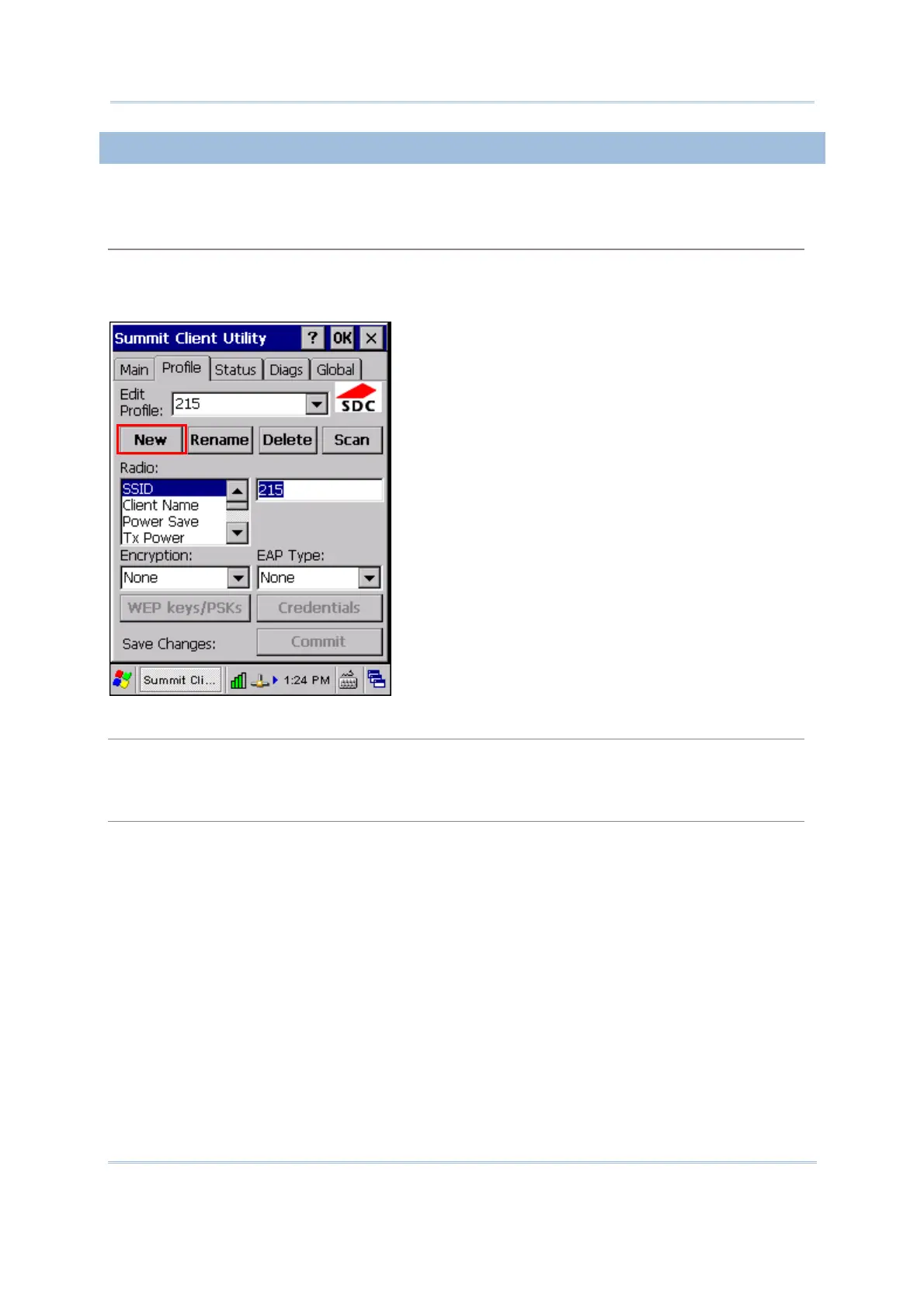
Any changes made to a profile will not be saved until you tap [Commit].
New
Tap [New] and enter a unique name for this profile. Up to 32 characters are allowed. Configure
the Radio settings, Encryption, EAP Type, and so on.
Define up to 20 profiles, not including the special profile “ThirdPartyConfig”.
Rename
Select a profile from the drop-down menu and tap [Rename]. Enter a unique name for this
profile. Up to 32 characters are allowed.
Delete
Select a profile from the drop-down menu and tap [Delete].
You cannot delete the Active Profile.



 To Next Page